User Manual
43
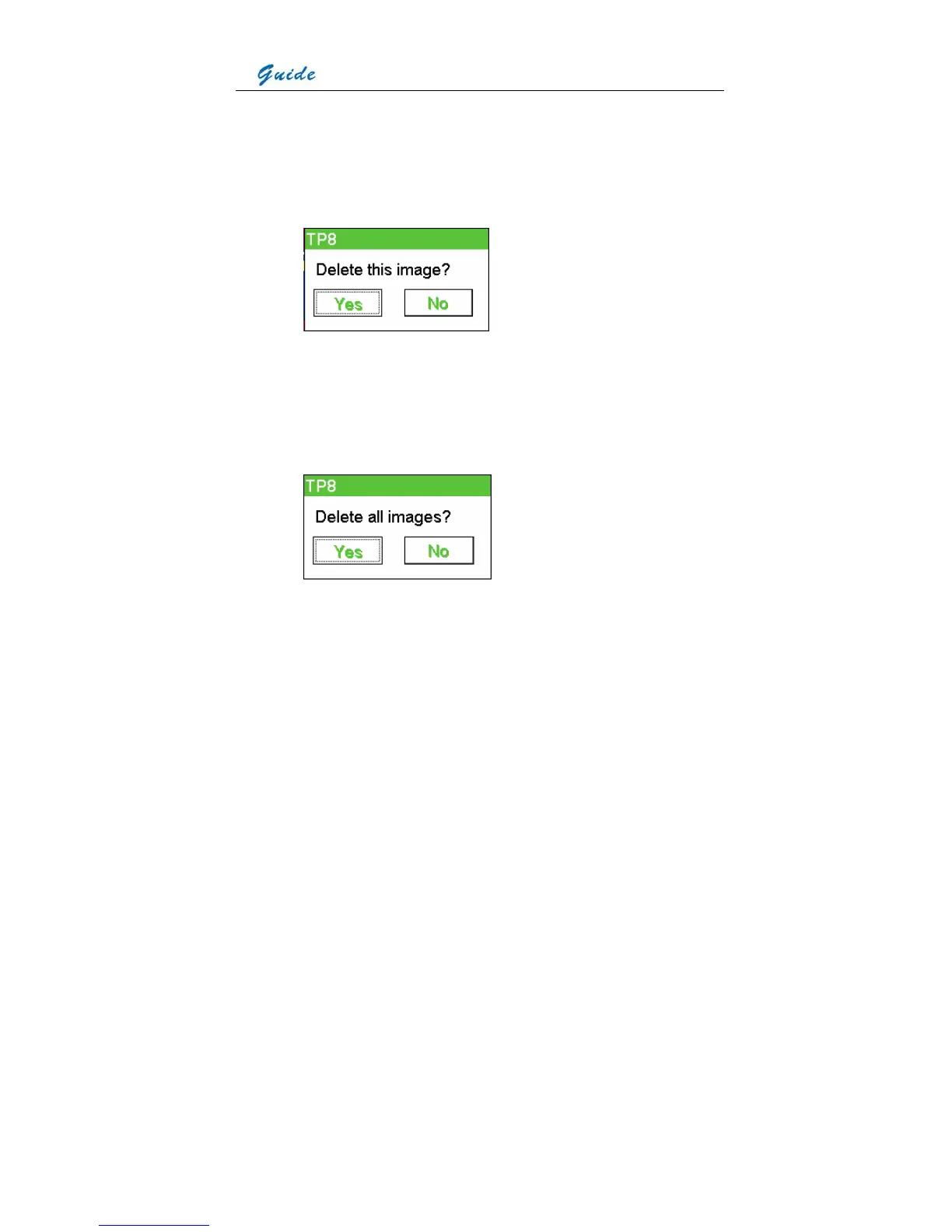
• To delete a selected image, choose the icon Delete file. Then a dialog box “Delete this
image?” will appear in the screen. Choose button Yes to delete it or button No to cancel
deletion. The two buttons can be chosen either by clicking with the touch pen or by
pressing button S to highlight first and then pressing the joystick to select, or by moving
the joystick left or right to highlight first and then pressing the joystick to select.
• To delete all the saved images, choose the icon Delete all. Then a dialog box “Delete all
images?” will appear in the screen. Choose button Yes to confirm or button No to cancel
deletion. The two buttons can be chosen either by clicking with the touch pen or by
pressing button S to highlight first and then pressing the joystick to select, or by moving
the joystick left or right to highlight first and then pressing the joystick to select.
• To open a selected image, choose the icon Open file.
• Multiple kinds of analysis can be performed on it, such as static temperature
measurement, spot analysis, area analysis, line analysis, isotherm analysis, visual image
replay, voice annotation replay, text annotation replay, histogram analysis, etc.
• To do static temperature measurement and histogram analysis, please refer to the
sections Static temperature measurement and Histogram analysis respectively.
• To do the left analysis listed above, bring up the replay toolbar by clicking icon Guide at



 To Next Page