User Manual
37
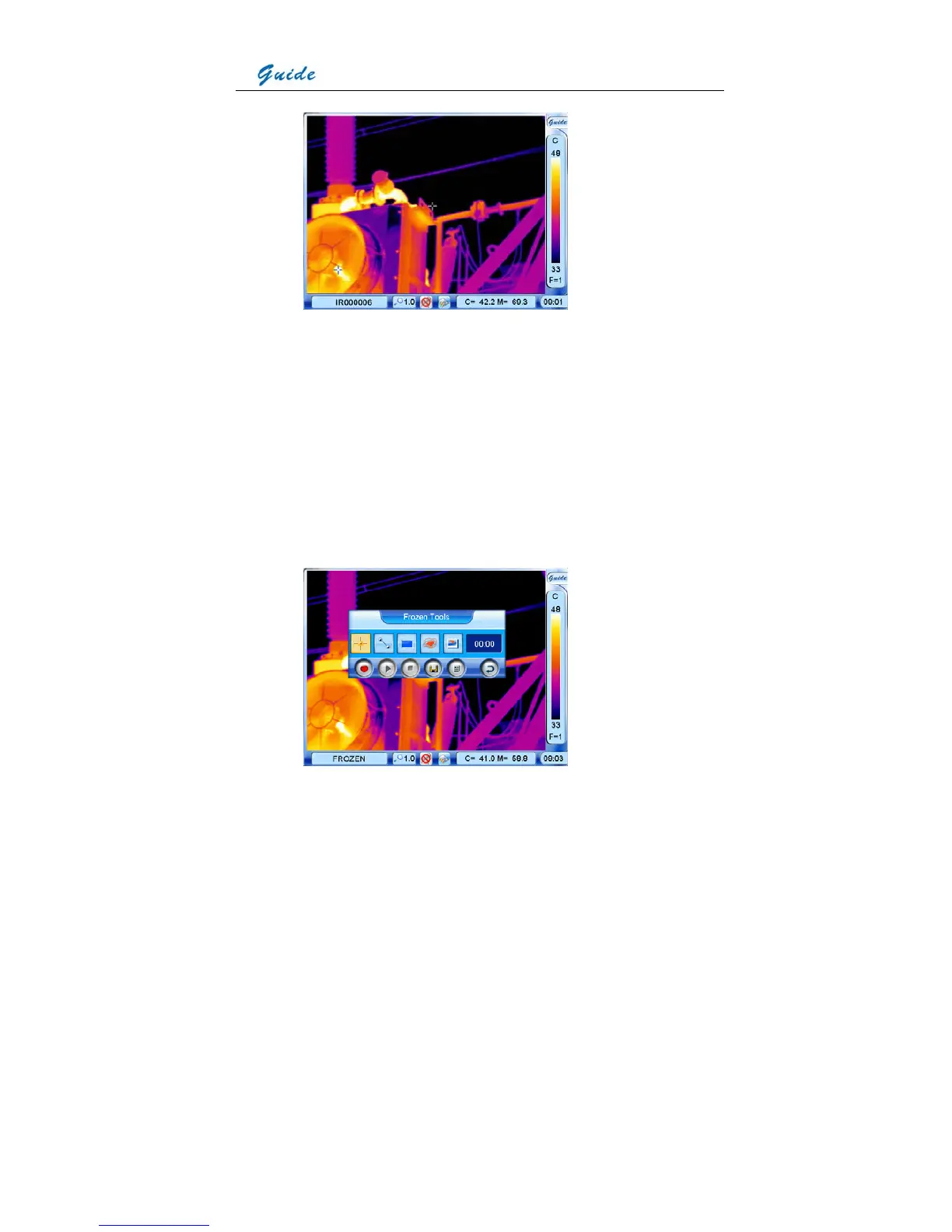
• Or you can do multiple kinds of operation on the frozen image before saving it into the
memory media, such as static temperature measurement, temperature range adjustment,
spot analysis, line analysis, area analysis, isotherm analysis, visual image display,
recording and playback of voice annotation, adding text annotation, histogram analysis,
etc.
• When there is no menu displayed on the frozen image, you can do static temperature
measurement and temperature range adjustment as per instruction aforesaid.
• To do the left operation listed above, press the joystick or use the touch pen to click the
Guide logo at the right top corner of the screen to bring up the frozen toolbar as shown
below.



 To Next Page