User Manual
38
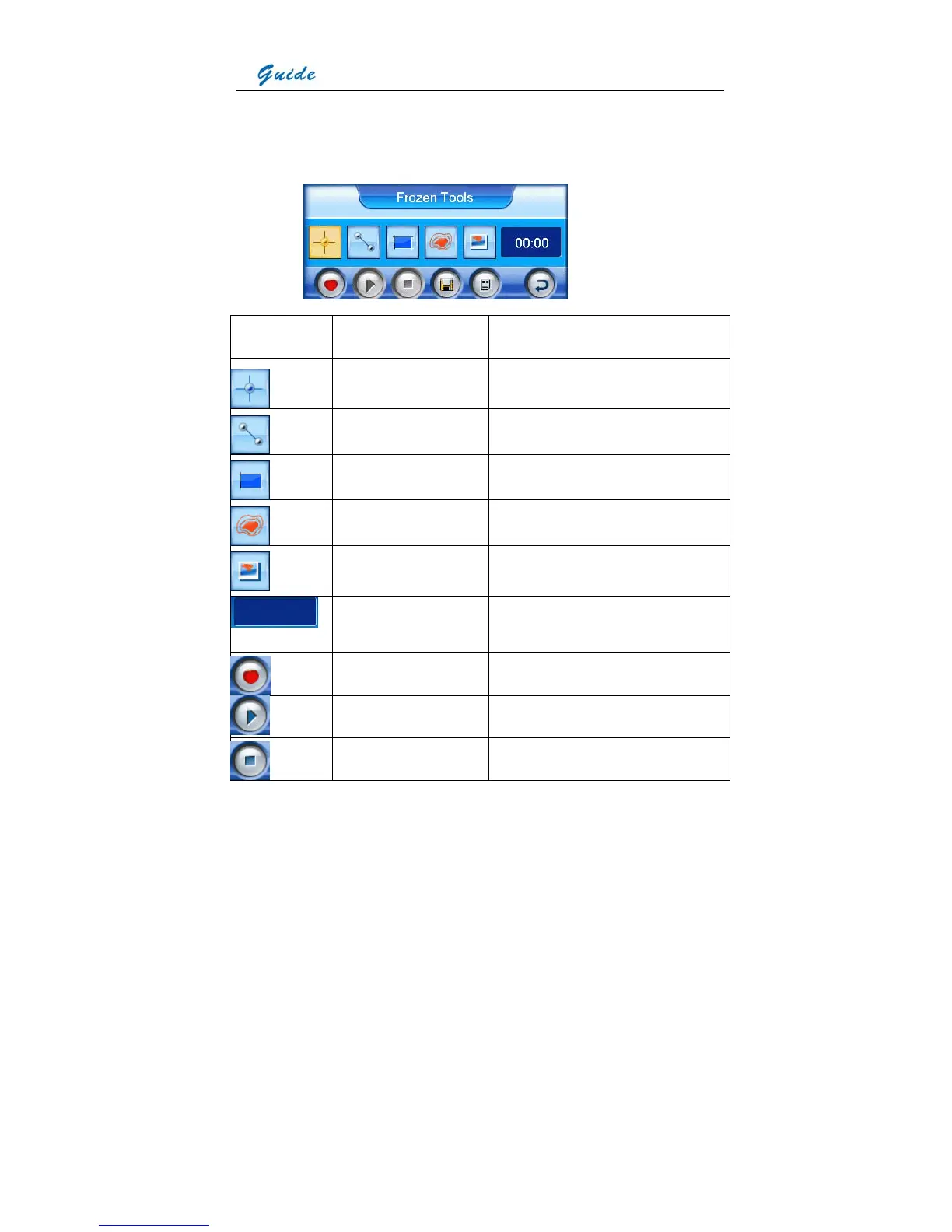
• Functions of the icons in the toolbar are listed below. Moving the joystick up, down, left or
right can toggle between each icons, pressing the joystick can select an icon and execute
its command. Or you can simply use the touch pen to click each icon to select a certain
one.
Icon Significance Function
Spot analysis Do spot analysis on the frozen image
Line analysis Do line analysis on the frozen image
Area analysis Do area analysis on the frozen image
Isotherm analysis Do isotherm analysis on the frozen image
Visual image display Switch to and display visual image of the
frozen image
Time of voice annotation Show time of voice annotation recorded for
the frozen image
Start recording Start recording the voice annotation
Play recording Play the recorded voice annotation
Stop recording Stop recording of the voice annotation



 To Next Page