User Manual
39
Save command Save recorded voice annotation or text
annotation into the frozen image; save the
frozen image with voice annotation & text
annotation (if any) into memory media
Text Annotation Add text annotation to the frozen image
Exit command Exit the frozen toolbar
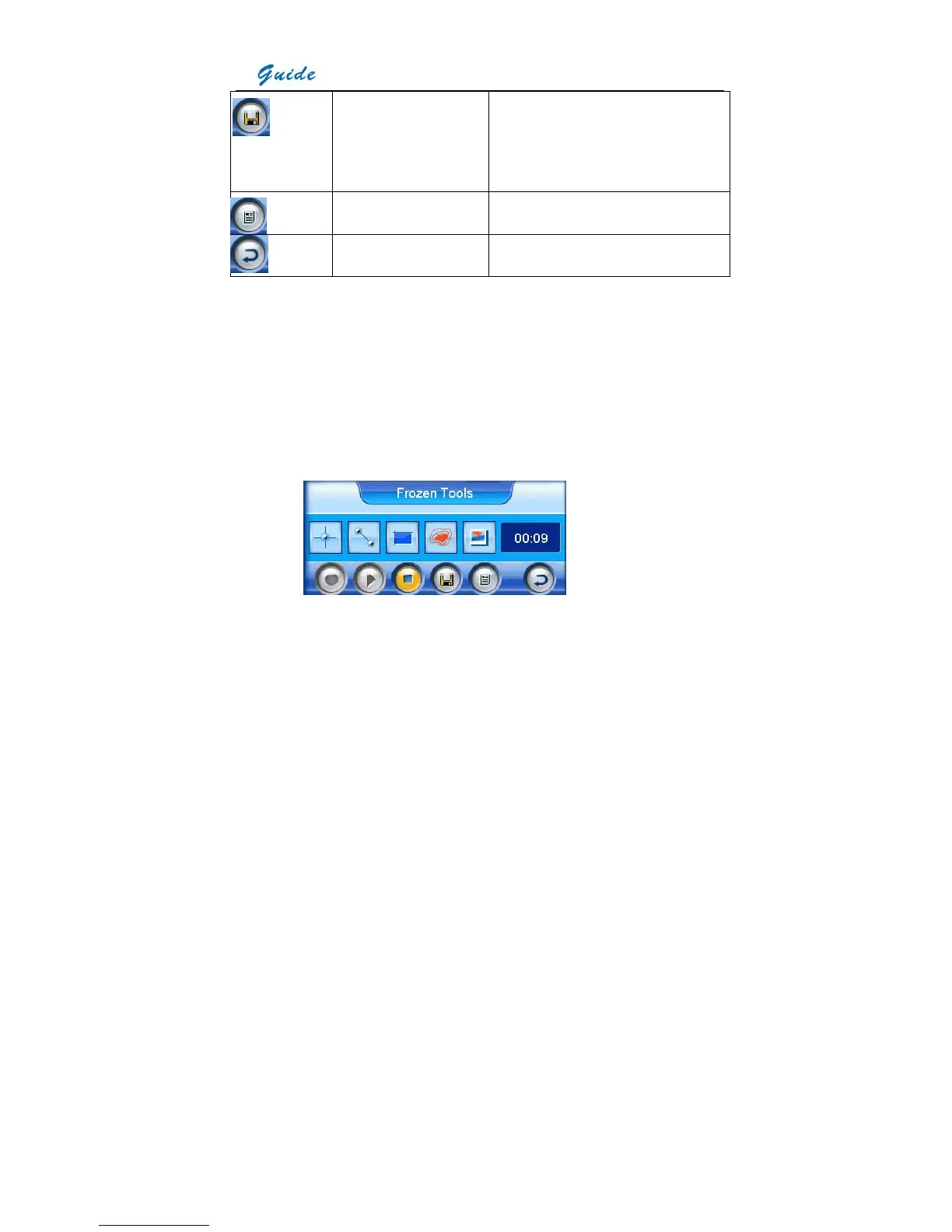
• Spot analysis, line analysis, area analysis, isotherm analysis, visual image display and
histogram analysis will be introduced in separate sections later. Here let’s focus on voice
annotation and text annotation.
• If voice annotation is required with the image, select the icon Start recording with the touch
pen. Or move the joystick up, down, left or right to toggle between the icons, highlight the
icon Start recording and then press the joystick to select it. Now you can start recording
annotation and view the time of recording in the timing box. Meanwhile the icon Stop
recording is highlighted.
• Up to 30 seconds of voice clip can be saved for each image. To stop recording at any time,
press the icon Stop recording. Once it reaches 30 seconds, recording will stop
automatically. At the meantime, icon Play recording is highlighted.
• To replay the recording, select the icon Play recording by clicking it with the touch pen or
pressing the joystick directly. When replaying, the icon Stop recording is highlighted. You
can stop replaying at any time.
• If dissatisfied with the recording, the above operation can be repeated until a satisfactory



 To Next Page