User Manual
54
• Then the cursor representing the starting point of the line is displayed in the image.
• At this moment, two methods are available to draw a line. Method 1: Click and drag the
cursor to a correct position with the touch pen, then release the cursor. A line is drawn.
Method 2: Move the joystick up, down, left or right to move the cursor to a desired position,
press the joystick to confirm the position (i.e. the starting point of the line); move the
joystick again to another position and then press it to confirm the new position (i.e. the
ending point of the line). Then the line is drawn.
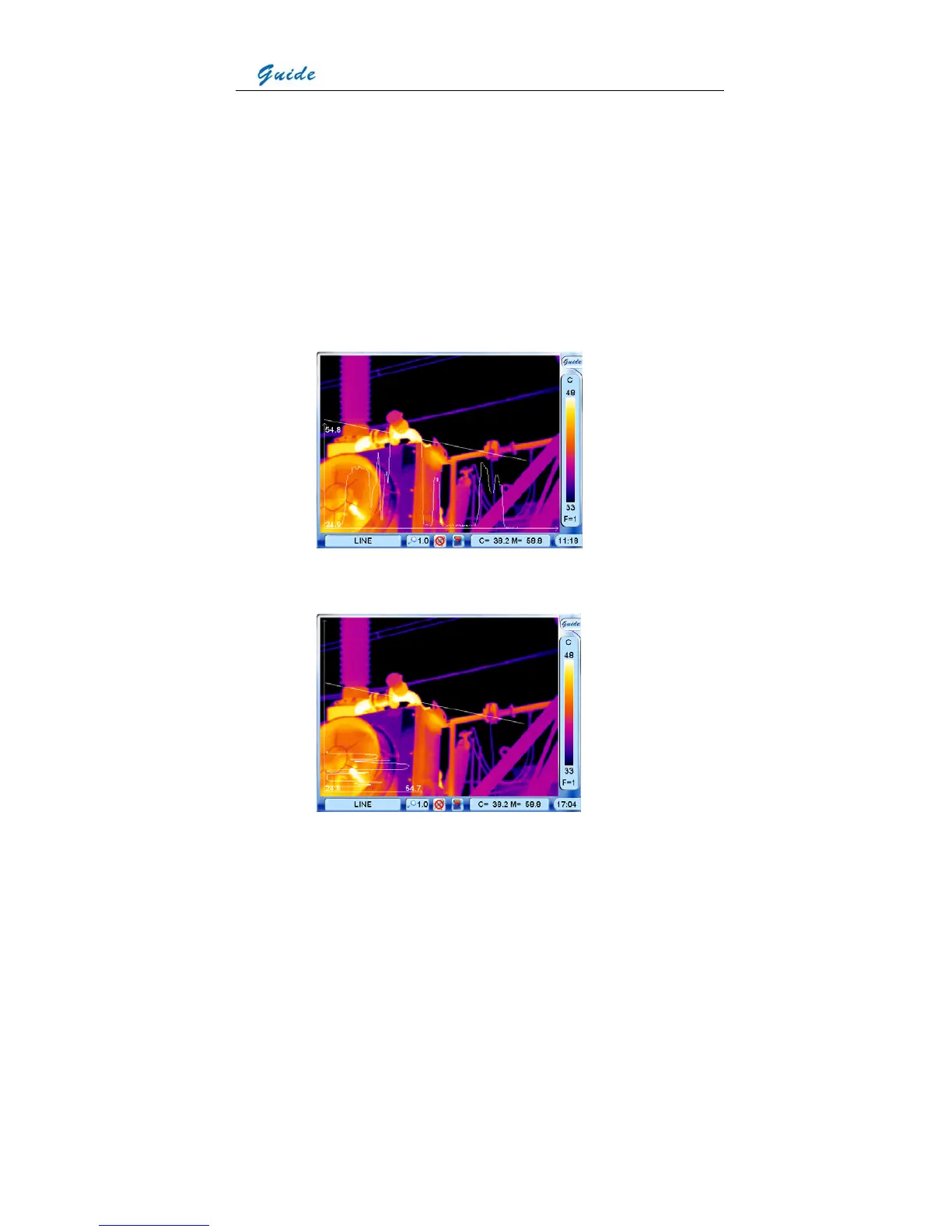
• Press the joystick to confirm the line. At the meantime, the line profile is displayed in the
image as well, with the Max and Min temperature of the line displayed in the coordinate
system.
• The default coordinate system is a horizontal style. Pressing button S can switch it into
vertical. Vice versa.



 To Next Page