User Manual
82
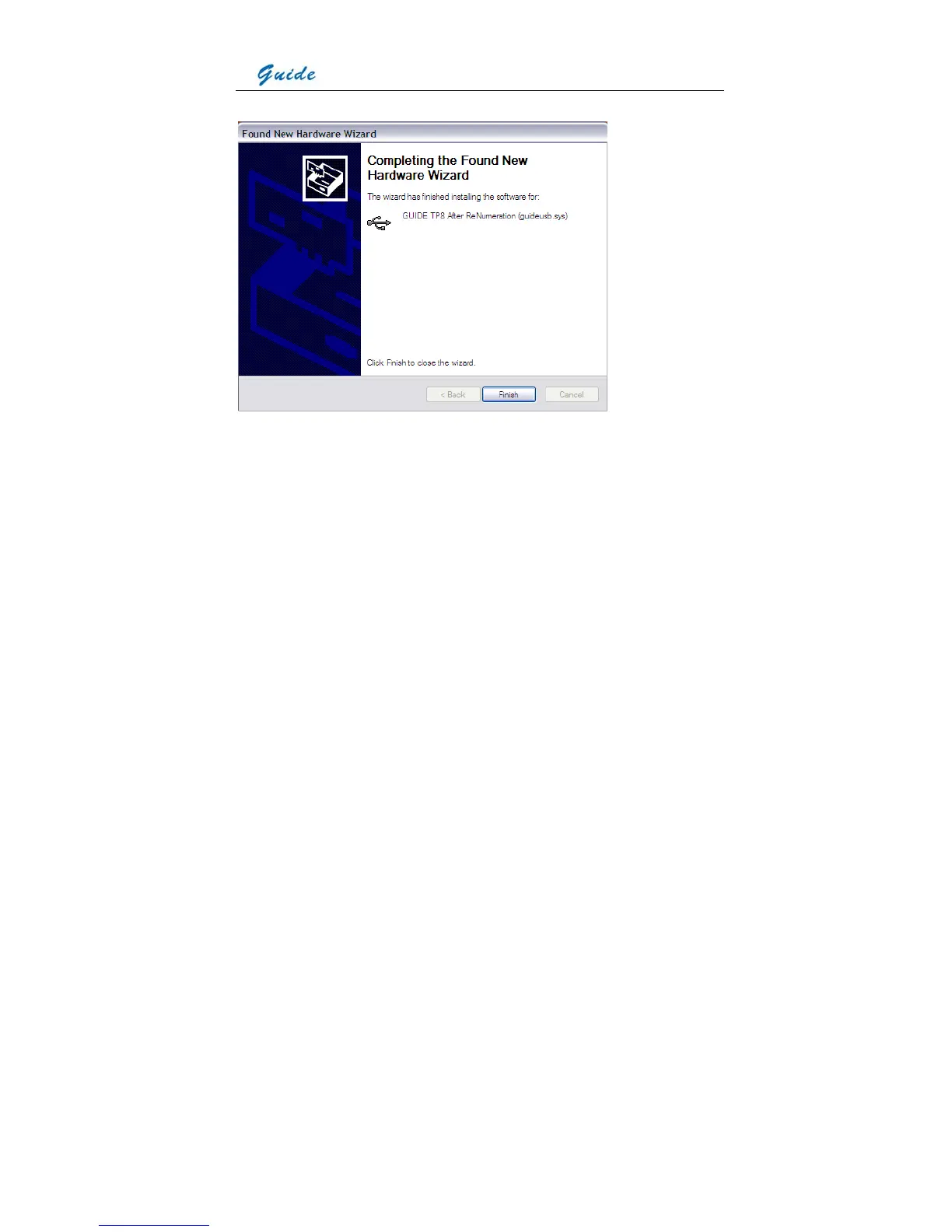
• Installation continues and finishes quickly. Click button Finish.
• Installation continues and finishes quickly. Click button Finish.
• Go to Device Manager to check and confirm whether the driver has been successfully
installed. If there is “GUIDE TP8 After Renumeration (guideusb.sys)” listed under
Universal Serial Bus Controller, it indicates the driver has been properly installed and you
can transfer data from the camera to PC now.
• The procedures to go to Device Manager is as follows: Clicking My Computer-> Clicking
the right mouse and choosing Property-> Choosing menu Hardware in the System
Property dialog box-> Choosing option Device Manager under the menu Hardware



 To Next Page