HQ Pro-Stitcher User Manual07/23/124.2 Overview
Enable/Disable Motors
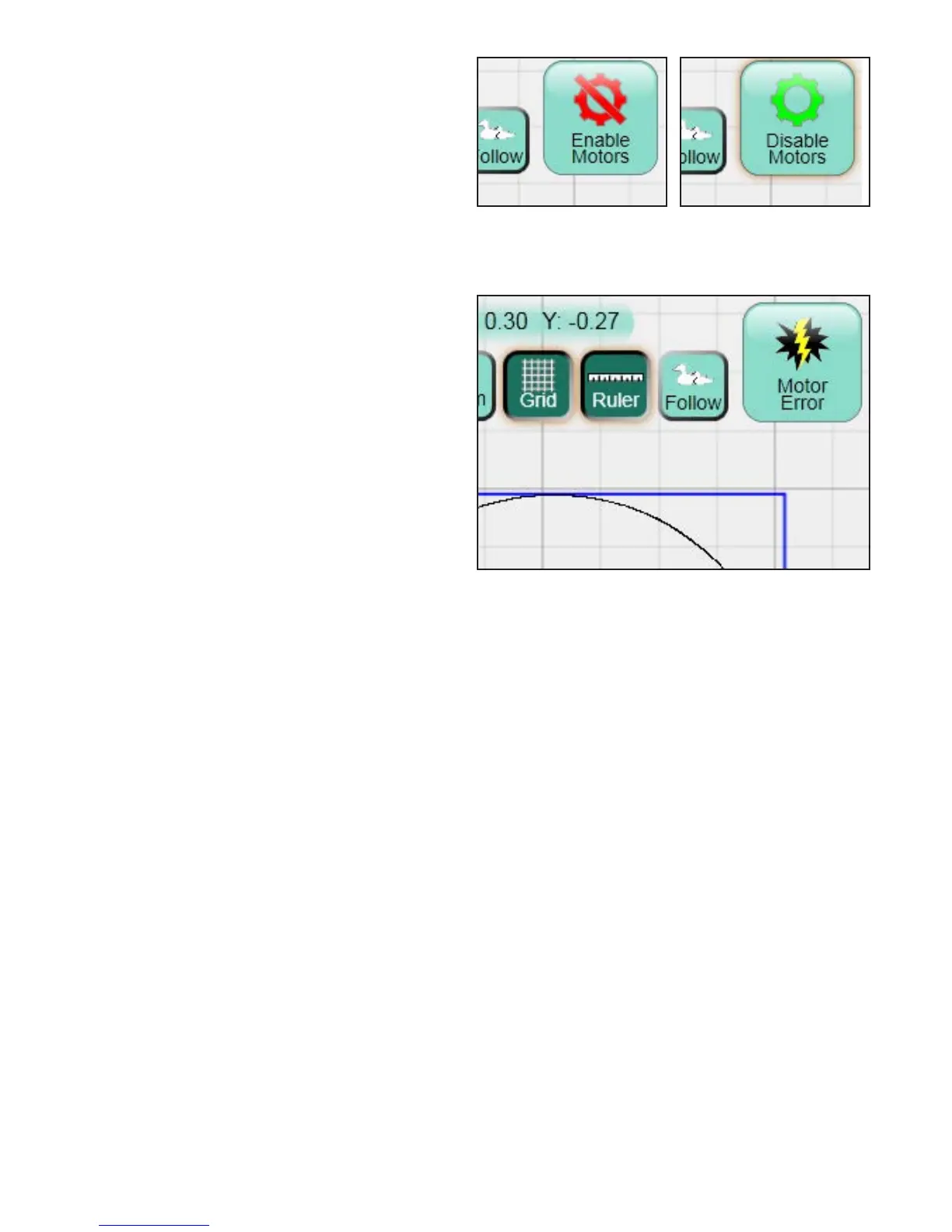
e Enable Motors button at the top right-hand
corner of the screen (Figures 4.3 and 4.4) enables
the user to lock the motors in position and keep
the quilting machine from moving (as long as the
levers on the carriage are engaged in the lower
position). Press the button to toggle between
locking the machine in place and allowing the
machine to be moved around. If this button ever
becomes gray with a lightning bolt (Figure 4.5),
the HQ Pro-Stitcher cannot communicate with
the carriage motors. Press the button to reestablish
communications with the Pro-Stitcher motors. Refer
to the Troubleshooting section for further help.
Figure 4.5
Figure 4.3
Figure 4.4












 To Next Page