HQ Pro-Stitcher User Manual07/23/128.6 Settings Menu
General
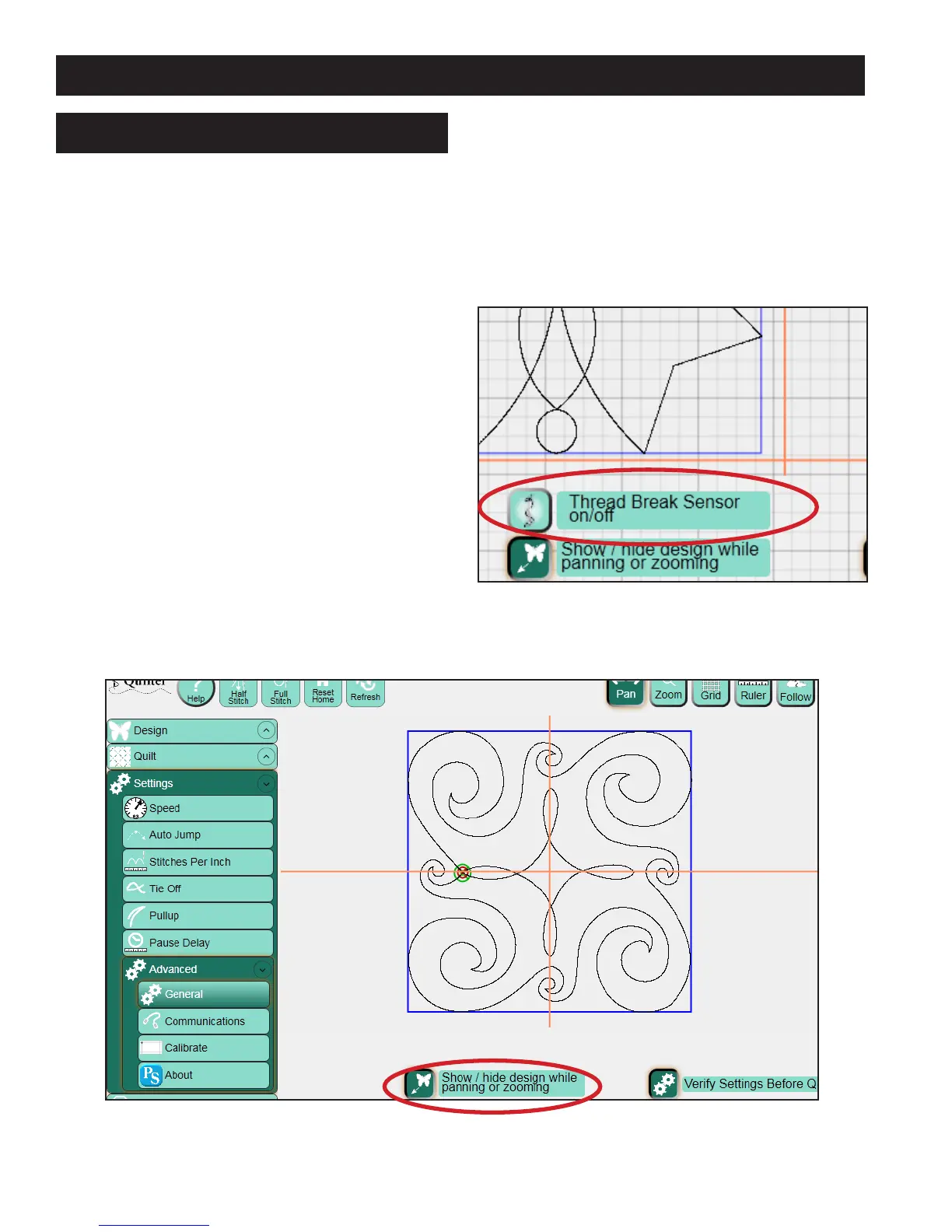
Thread Break Sensor On/Off
On HQ
24
Fusion machines only, a message is sent
to the HQ Pro-Stitcher if the thread break alarm is
triggered. e read Break Sensor option tells the
Pro-Stitcher whether to respond to or ignore the
message. If the button is turned on, the Pro-Stitcher
pauses when a thread break message is received. If
it is o, the Pro-Stitcher ignores the message and
continues stitching (Figure 8.9).
Show/Hide Design While Panning or
Zooming
If this button is not selected, the design will be
temporarily hidden while panning and zooming.
is minimizes the amount of delay that occurs
while zooming or panning with large designs. If it
is selected, the design remains on the screen during
zooming and panning (Figure 8.10).
Figure 8.10
ADVANCED MENU
Verify Settings Before Quilting
If this button is selected, a pop-up box appears
before stitching a design. e pop-up box contains
all the current settings so the quilter can verify that
everything is set up properly before stitching. is
option can be turned o if desired.
Figure 8.9












 To Next Page