HQ Pro-Stitcher User Manual07/23/128.4 Settings Menu
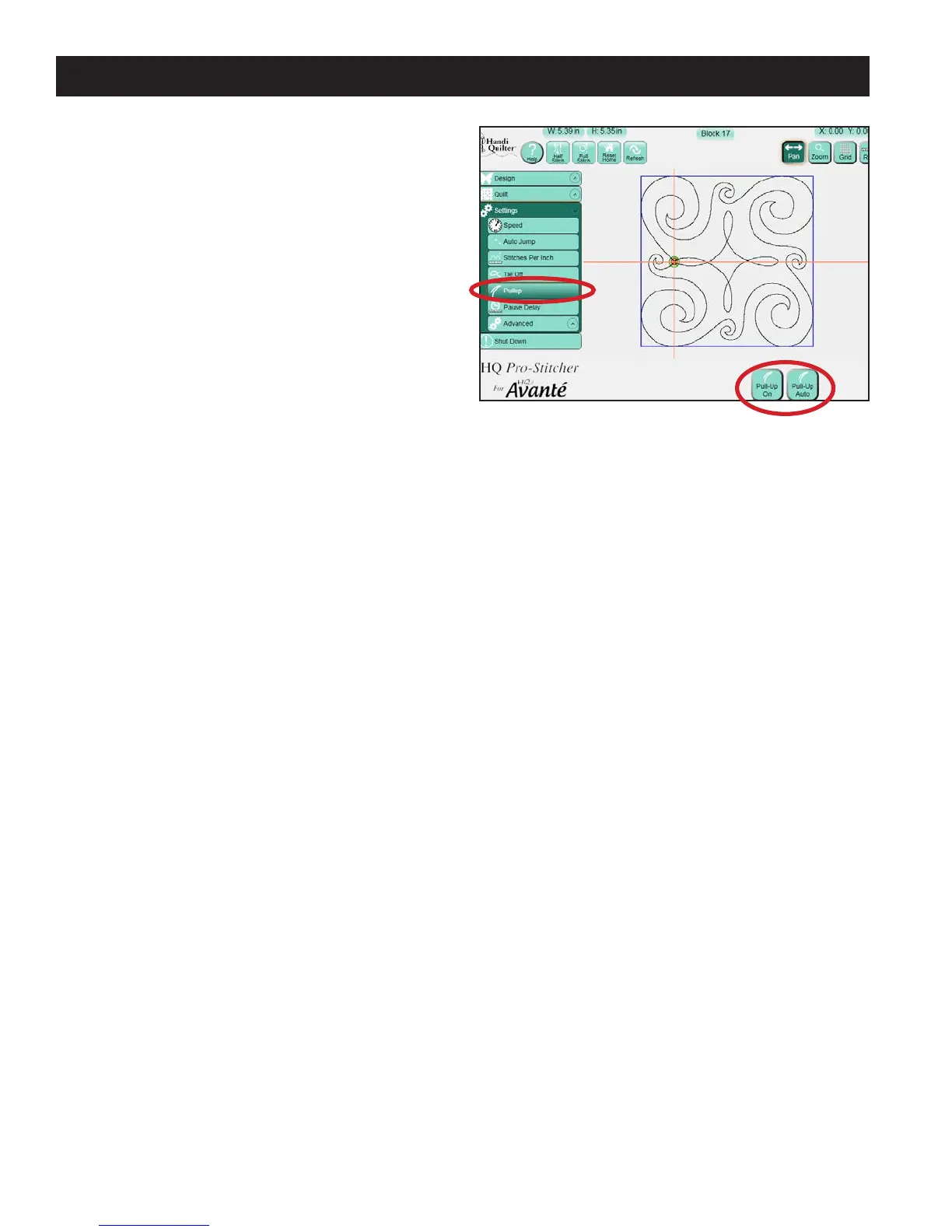
Pullup
e HQ Pro-Stitcher can be set to automatically
pull up the bobbin thread at the start of a design. It
can pull up the thread and automatically shi aside
for the quilter to grab the threads or it can pull up
the thread and let the quilter manually move the
machine aside to pull up the thread (Figure 8.6).
Pull-Up On
Select the Pull-Up On button to perform a pull up
at the beginning of the design and at the beginning
of each segment following a jump that exceeds the
Auto Jump threshold.
Pull-Up Auto
Select the Pull-Up Auto button for the quilting
machine to shi to the right a few inches aer
pulling up the bobbin thread to allow the quilter
to grab both threads. e quilter should then press
the Resume button to continue quilting the design.
If Pull-Up Auto is not selected, but Pull-Up On is
selected, the quilting machine will take a stitch at the
start point and then disable the motors. is allows
the quilter to manually push the quilting machine
aside to pull up the bobbin thread. Press Resume for
the machine to move back into position and resume
quilting.
Figure 8.6












 To Next Page