HQ Pro-Stitcher User Manual07/23/125.8 Design Menu
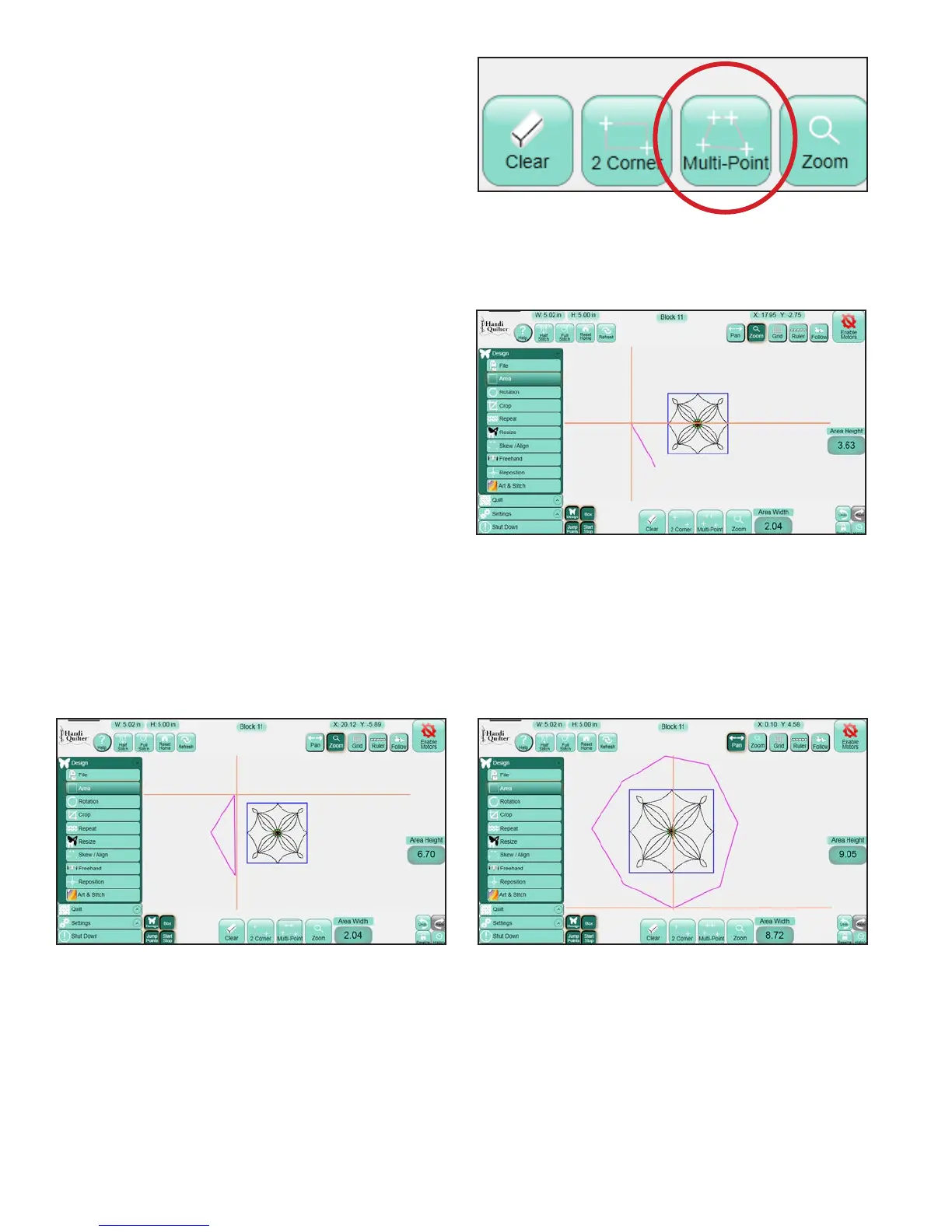
Multi-Point
For more complex areas, plot multiple points to
create any shape such as a triangle or a shape with
numerous points using the Muliti-Point button
(Figure 5.21).
Mark the rst point of the quilting area by moving
the quilting machine to line up the needle with a
point on the quilt and press Multi-Point.
Move to a second point along the perimeter of the
quilting area and again press Multi-Point. A purple
line joins the two marked points (Figure 5.22).
Move to a third point along the perimeter of the
quilting area and press Multi-Point again. e HQ
Pro-Stitcher automatically closes the shape back
to the rst point when the third point is marked,
creating a purple triangle to indicate the multi-point
area (Figure 5.23).
Mark other points as desired to create a detailed
quilting area (Figure 5.24).
Figure 5.21
Figure 5.22
Figure 5.23 Figure 5.24












 To Next Page