www.HandiQuilter.com/ProStitcher 07/23/12 Design Menu 5.17
Resize
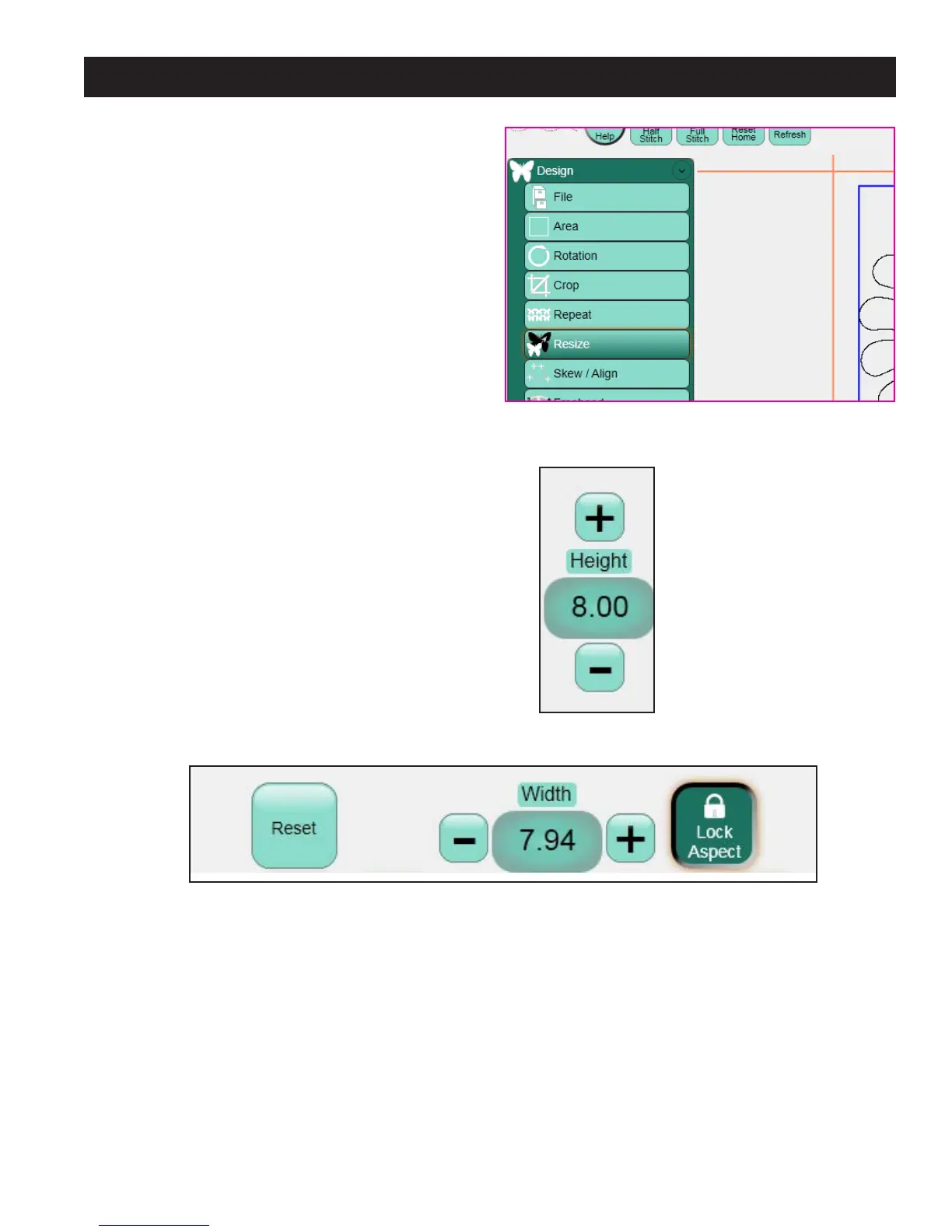
To open the Resize panel and manually resize a
design, select the Design menu and press the Resize
sub-menu button (Figure 5.57).
Enter the desired height and/or width in the
appropriate box by either pressing the + or – button
corresponding to Height (Figure 5.58) or Width
(Figure 5.59), or tapping the number box to enter
a value directly.
Lock Aspect
If the Lock Aspect option is selected, a value entered
in the Width box will proportionally change the
height, and vice versa when a value is entered in
the Height box (Figure 5.59).
Reset
Press Reset to turn o the Resize function and bring
the design back to the original size (Figure 5.59).
Figure 5.57
Figure 5.59
Figure 5.58












 To Next Page