www.HandiQuilter.com/ProStitcher 07/23/12 Design Menu 5.25
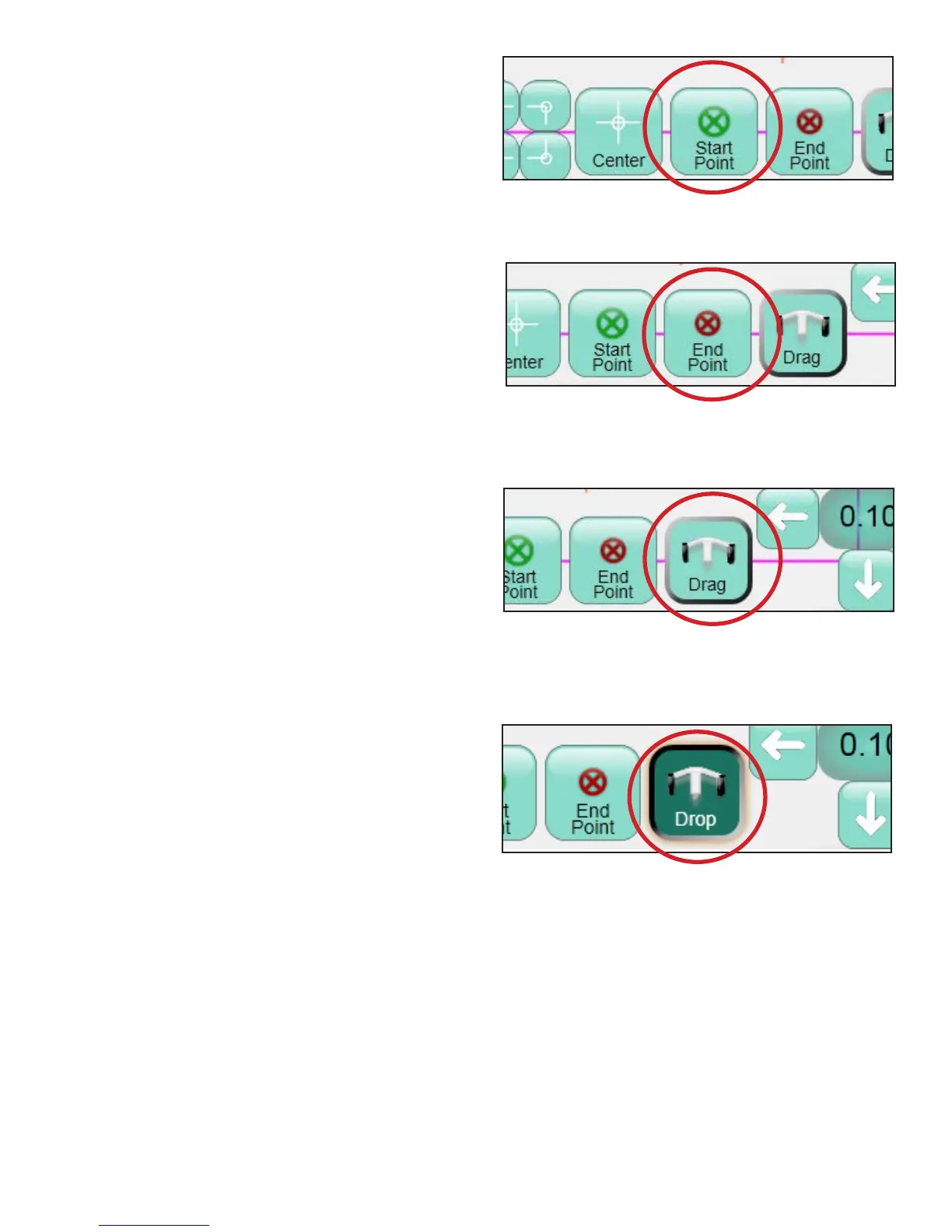
Start Point
Press Start Point to reposition the start point of
the design with the current needle and crosshair
position (Figure 5.82).
End Point
Press End Point to reposition the last point of
the design with the current needle and crosshair
position (Figure 5.83).
Drag and Drop
Use the Drag function to choose any point on the
screen and drag it to a new location. Move the
quilting machine to place the crosshairs at a desired
point in the design. Press the Drag button and
move the quilting machine to drag the design to the
new location (Figure 5.84). Press Drop when the
design is in place (Figure 5.85). e same function
can be performed completely onscreen by pressing
the Drag button and then dragging a nger or
stylus across the screen to move the design to a new
location. Press the Drop button to end the Drag
function.
Figure 5.82
Figure 5.83
Figure 5.84
Figure 5.85












 To Next Page