Preparing for Installation
All Models
1. Locate and unfasten the cab access panel.
•
Located above the right front wheel
on right rear corner of cab
2. Drill hole with 1¼” hole saw
•
Be sure both sides are clear of wires before drilling.
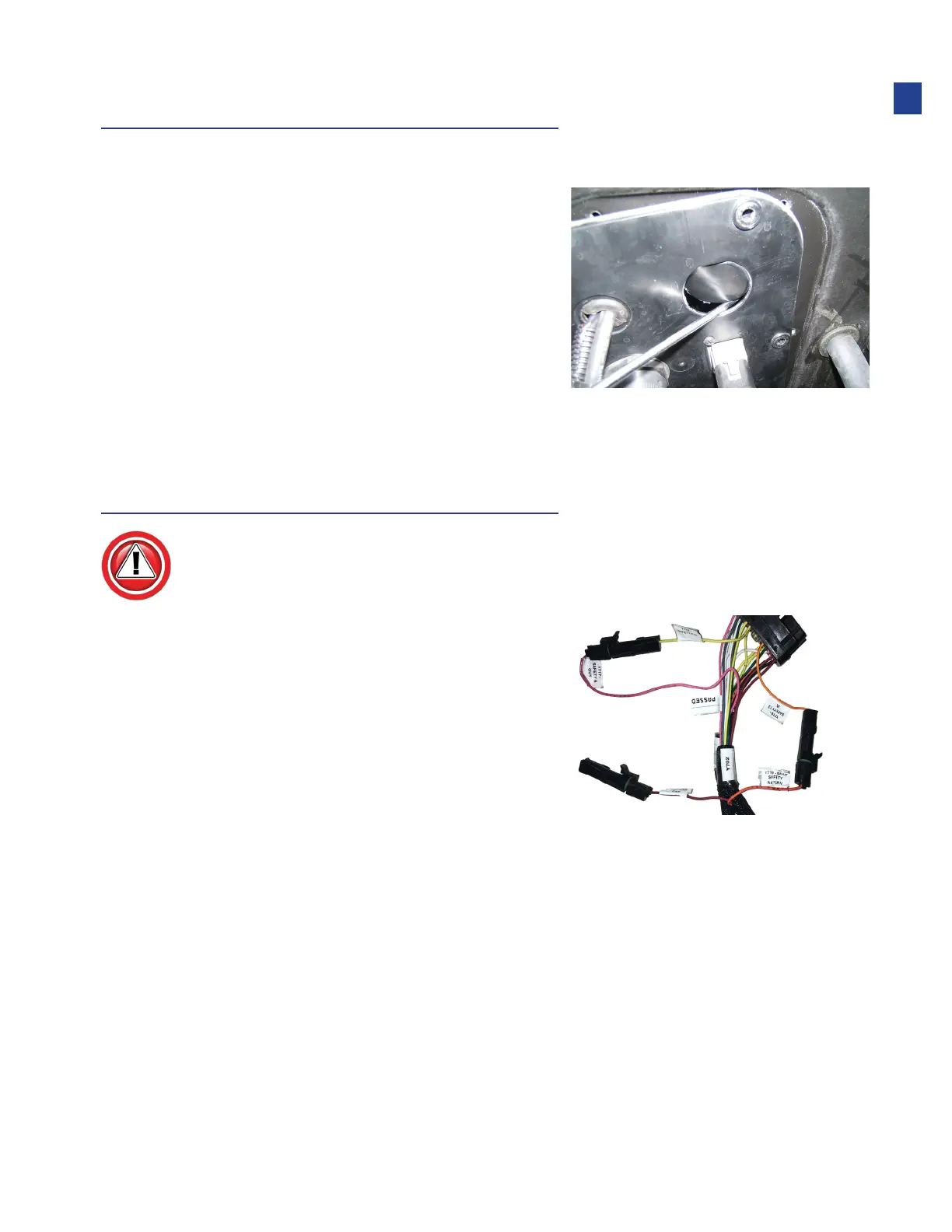
System Safety Enable Connectors
Connectors are single pin WeatherPack located on the main Truesight trunk harness
near the base controller. They must be connected to enable Truesight operation.
1. Connect Y716 (orange – “12V Safety”)
to Y715 (red – “12V power”)
•
Y719 is not used for this application
2. Connect Y718 (yellow – “5V Safety”)
to Y717 (pink – “SENSPWR”)
09
Installation



 To Next Page