In-Cab Harness Wiring
Connector Y731 is not used in this application.
Power Supply
1. Use harness HT9315 for all combines with convenience outlet in right rear of cab.
2. Find the auxiliary power connector, if equipped.
•
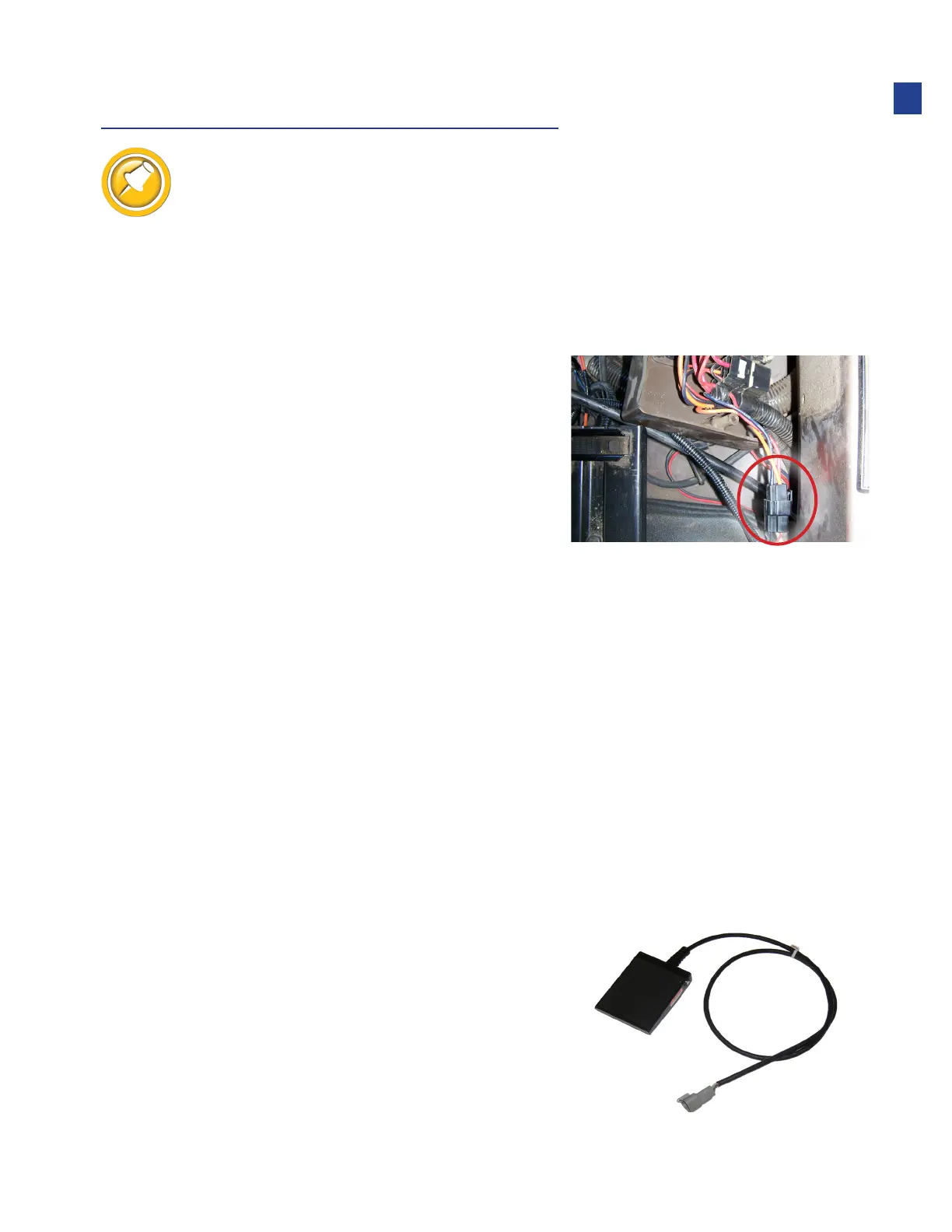
Located on the right rear of the cab
•
You may need to slide the seat all the way forward
and remove the two screws holding the “Convenience
Outlet” box to find the power plug shown
• It is often tucked up inside the power box
•
If you already have something connected
to the auxiliary power connector
• Unplug the connected connector and connect it to Y817B
•
Plug Y817 to the auxiliary power connector
3. If your combine does not have this plug, contact Headsight for one of the following:
•
HT9300 - “Universal” power adapter (ring terminals)
•
HT9306 - Combine is equipped with a later model JD “power strip”
•
HT9317 - Combine is equipped with round AMP 3 blade “Power
Port” plug, but not the plug shown above tucked in behind it.
Auxiliary Switch
1. Use of the auxiliary switch is optional. If you choose to use the
Truesight auxiliary switch, connect Y721 to the foot switch.
•
3 pin Deutsch
11
Installation



 To Next Page