Install VT Wiring
If using Truesight Remote Display instead of VT, skip to Outside Wiring.
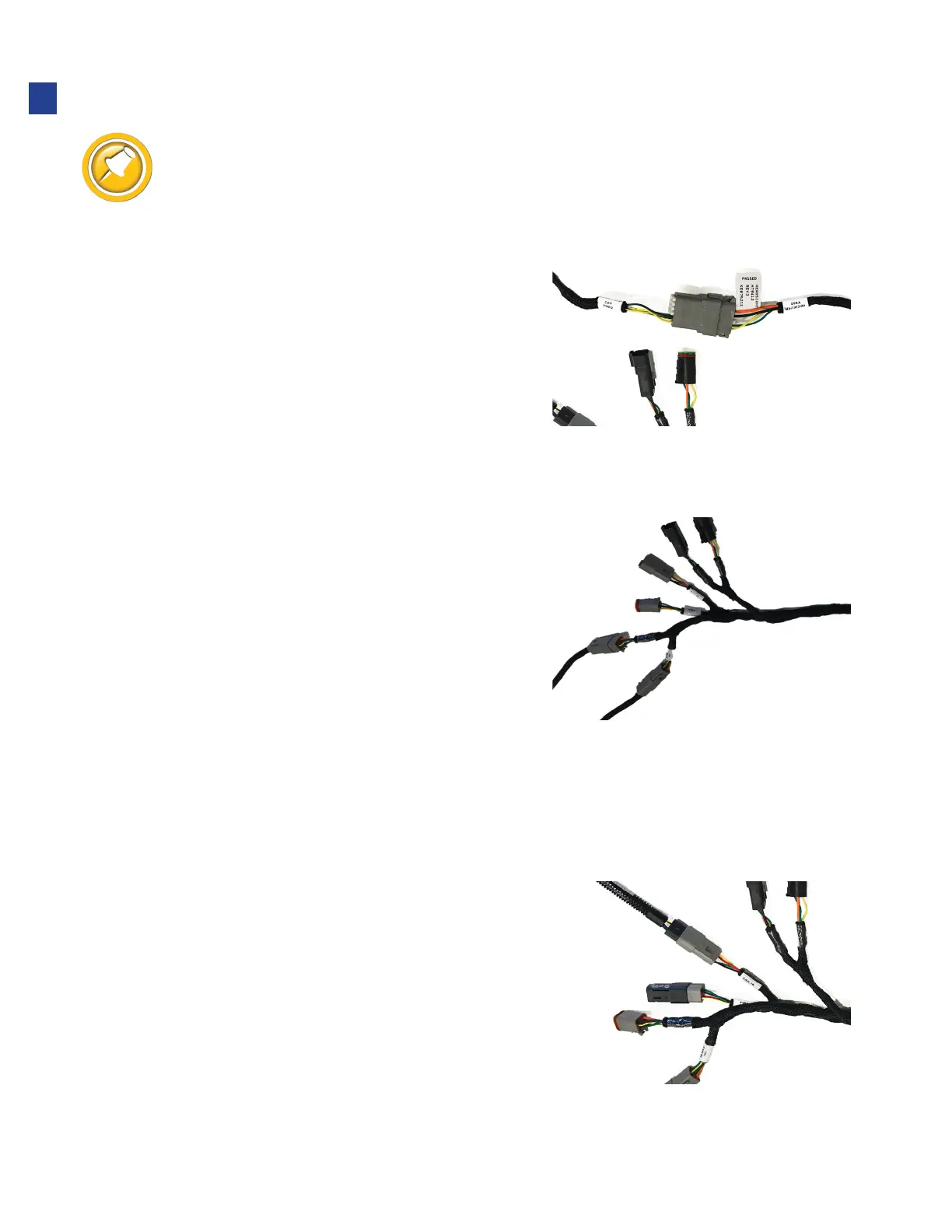
1. Connect bridge harness Y902 to Y9002
of Truesight
®
2 main harness.
•
If there already is a Horizon Bridge in combine, disconnect
Bridge and connect harness to Truesight main harness Y9002
2. Connect bridge harness to combine. See
specific instructions below.
AgLeader InCommand - With Display Cable p/n 4004671-12
1. Use CAN bridge harness HT9412.
2. Disconnect any previously connected
“accessory” harness (if any) from the Ag Leader
display cable 6 pin Deutsch connector.
3. Connect Y983 to the Ag Leader Display
cable 6 pin Deutsch connector.
4. Reconnect the original “accessory” harness (if any)
to Y982.
5. Connect supplied Terminator HT9208 to Y980.
AgLeader Integra - With Display Cable p/n 4001608-12 , 4002506-12, or 4002506-15
1. Use CAN bridge harness HT9412.
2. Disconnect any previously connected cable (if any) from
the Ag Leader display cable 4 pin Deutsch plug connector.
•
This connector has a Yellow and Green
wire and female sockets
3. Connect Y981 to Ag Leader 4 pin Deutsch connector.
4. Reconnect the original accessory harness (if any)
to Y980.
5. In no “Accessory” harness is connected to Y980,
connect supplied Terminator HT9208 to Y980.
12
Installation



 To Next Page