Ontrac2 and Ontrac2+ Motor
1. Connect Y768 to 8 pin connector on motor.
•
Y768 must directly connect to motor
2. Power enable connections (normally already connected from factory.)
•
Disconnect Y717 & Y718 on the main harness
•
Connect Y767 to Y717
•
Connect Y766 to Y718
EZ-Pilot Motor
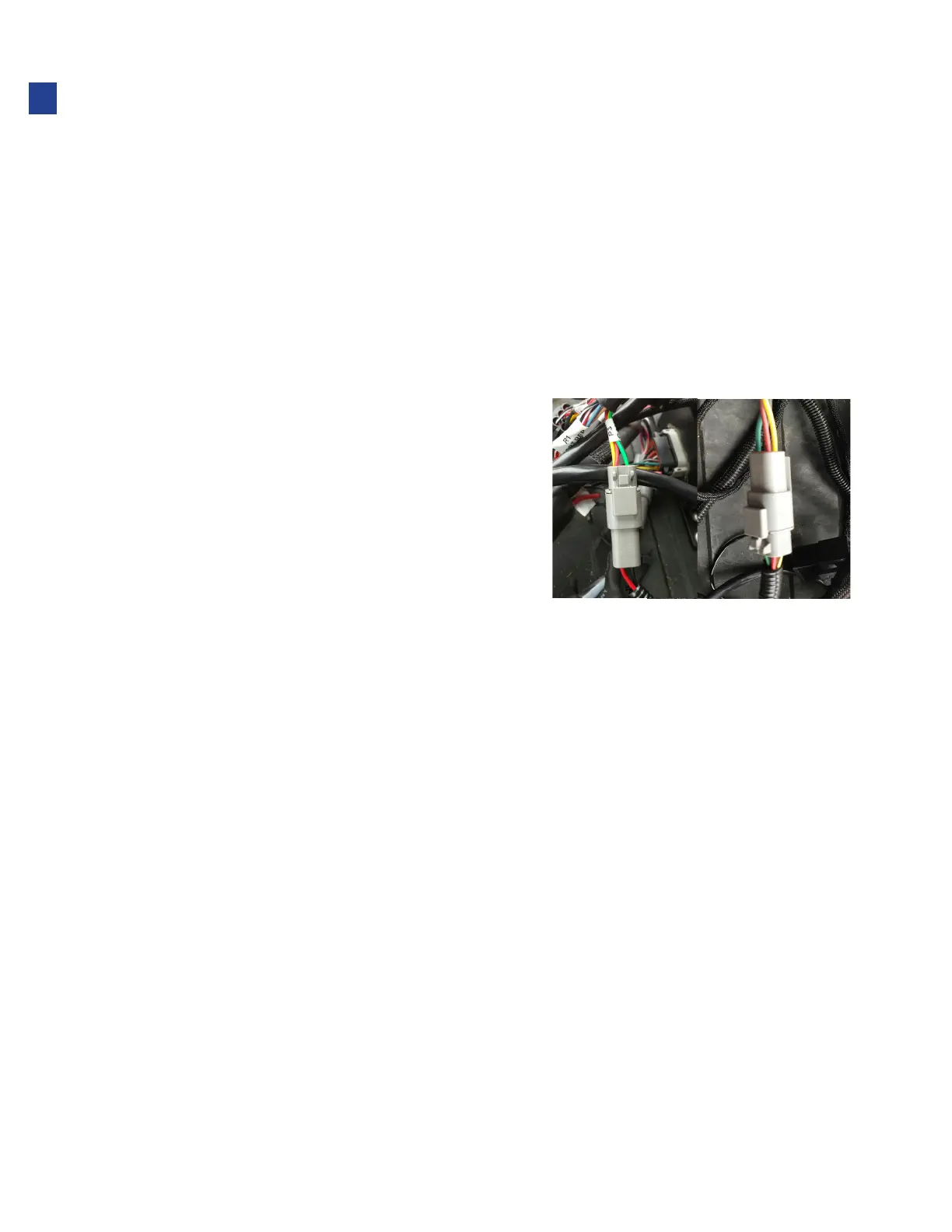
1. The EZ-Pilot motor harness must be installed and connected to power thru the Trimble system.
2. Connect Y735 & Y736 in line with the steering CAN
plug on the EZ-Pilot steering motor harness.
•
EZ-Pilot w/harness 76351 - Connector R2
•
EZ-Pilot Pro w/harness 1105 49 - Connector R3
3. For systems using VT display: wye into previously
connected VT CAN connection Y902 - Y9002.
•
Connect Y902B to Y9002
•
Connect Y902 to Y9002B
4. For systems using “Remote” display: connect Y902B to Y9002.
5. When operating Truesight with EZ-Pilot, disconnect the IMD 600, 900, TM200,
etc. so that the CAN does not interfere. (Does not apply to Ez-Pilot Pro.)
EZ-Steer Motor
1. Connect Y773 to 9 pin connector on motor
•
Y773 must directly connect to motor
2. Power enable connections (normally already connected from factory.)
•
Connect Y717A to Y717
•
Connect Y718A to Y718
18
Installation



 To Next Page