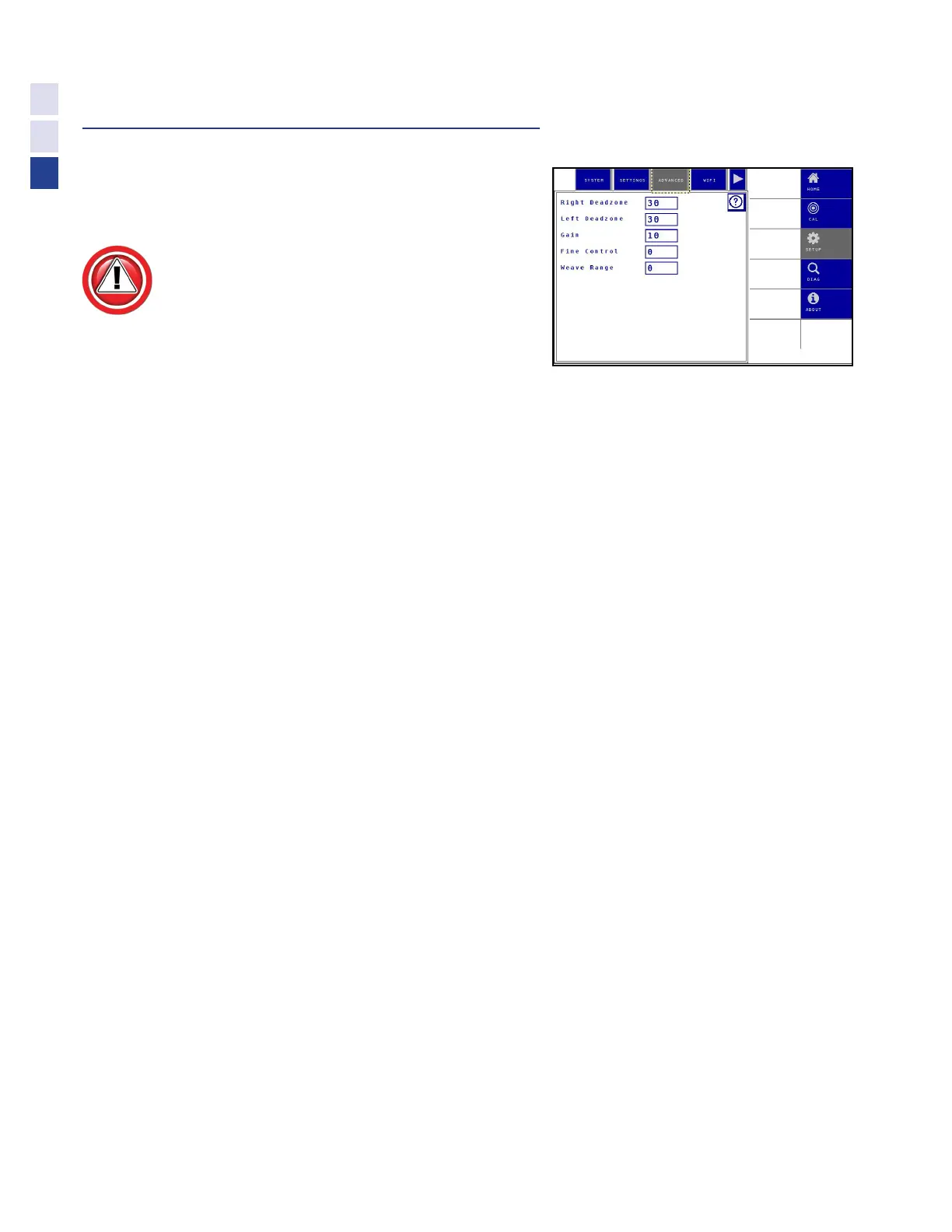
Change Advanced Settings
Right/Left Deadzone (Default = Calibrat-
ed Value, 0 if not Calibrated)
The Left Deadzone and Right Deadzone
settings allow manual adjustment of
the valve/motor deadband. This value
is set by the deadzone calibration.
•
A higher value will decrease the valve/motor deadband.
•
A lower value will increase the valve/motor deadband.
Increase the calibrated Deadzones by up to 5 if:
•
The steering response seems to lag or be sluggish
Decrease the calibrated Deadzones by up to 5 if:
•
The steering is constantly hunting (overshooting)
Gain (System Dependent)
The Gain setting controls the speed of steering response for a given error from the
center of the row. A higher gain setting will result in a quicker response.
Increasing the gain may improve responsiveness, but will have a
tendency to make the system jerky or unstable.
Fine Control (Default = 0, except Outback)
The Fine Control setting is a control used on systems with fast hydraulics to help smooth out the transition
when it tries to just start to turn the wheels. This setting is normally unnecessary for systems with steering
motors and AccuGuide valves, but a value of 15 is recommend for aftermarket steering valve systems.
Weave Range (Default = 0)
The Weave Range setting allows dampening small overshoots in steering, when adjusting Range
& Gain is not sufficient. Normally, adjusting Weave Range should not be necessary.
Increase Weave Range:
•
If the combine seems to constantly overshoot or weave in the row, and
this cannot be corrected by adjusting the Range or Gain Settings
32
Settings



 To Next Page