Monitor Setup
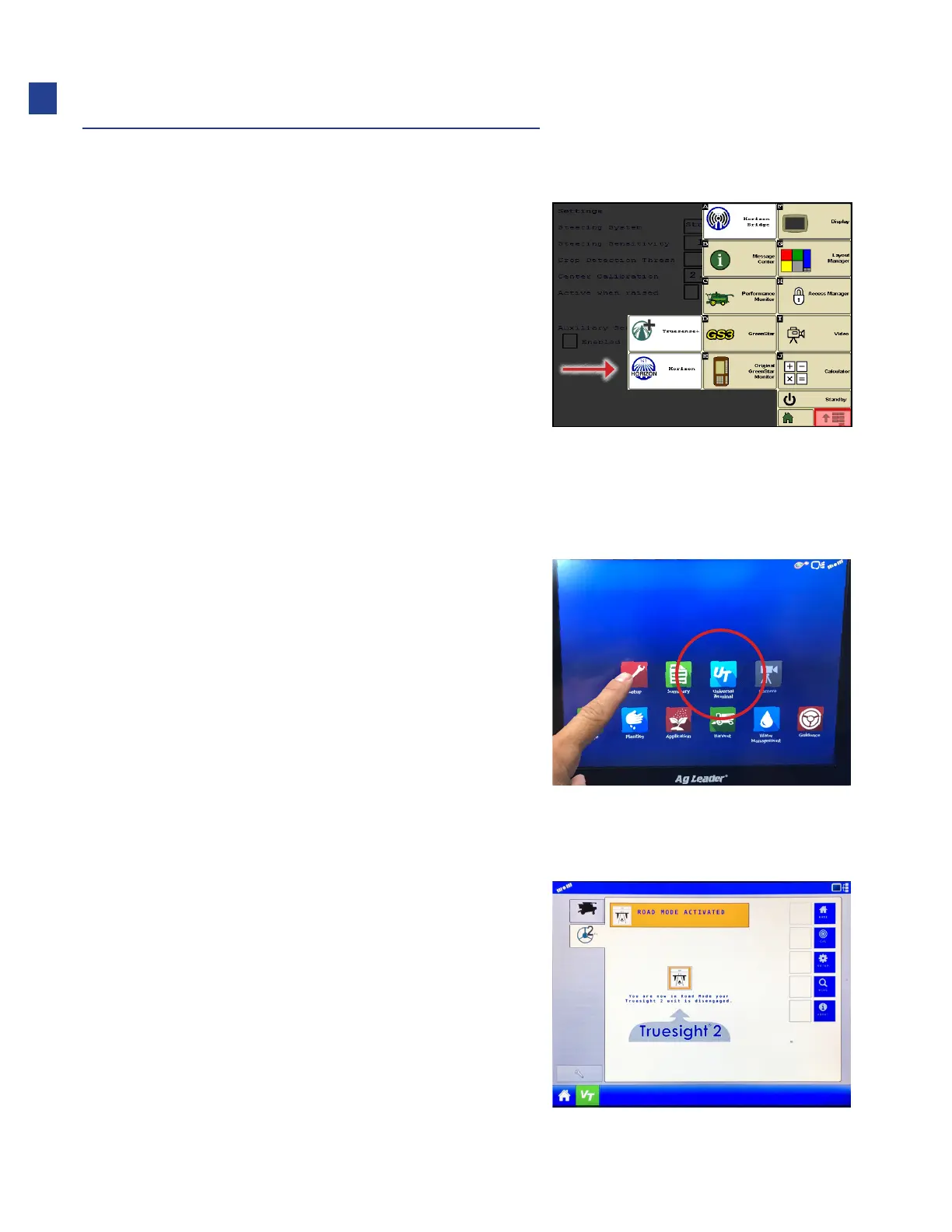
John Deere GS3/2630
1. Press display menu button, all VT icons
will show up in this menu.
AgLeader InCommand/Integra
1. Check monitor for UT software installation.
•
Turn on key
•
If the UT icon appears on the home screen,
UT should be enabled. If not, skip to step 3
below to enable UT on the monitor.
•
Note: Integra shown, Incommand similar
2. See if Truesight icon appears under UT tab.
•
If Truesight UT application does not appear, check the
wiring and terminator installation (if required)
22
Installation



 To Next Page