Calibration
If your system is equipped with a remote display instead of a VT
display, follow “Truesight Remote” manual for calibration.
Initial Setup
The first time that Truesight 2 is powered up, it will ask a series of questions.
Choose the appropriate choice or follow the instruction given.
1. Access Truesight 2 VT screen on display.
•
If you are unsure how to do this, see Operation/
Finding VT Applications section of this manual
2. Follow the on-screen instructions and choose appropriate
choices for your system, then follow steps for calibration
procedure.
For more detailed information on the
choices, see the Calibrations and Settings sections
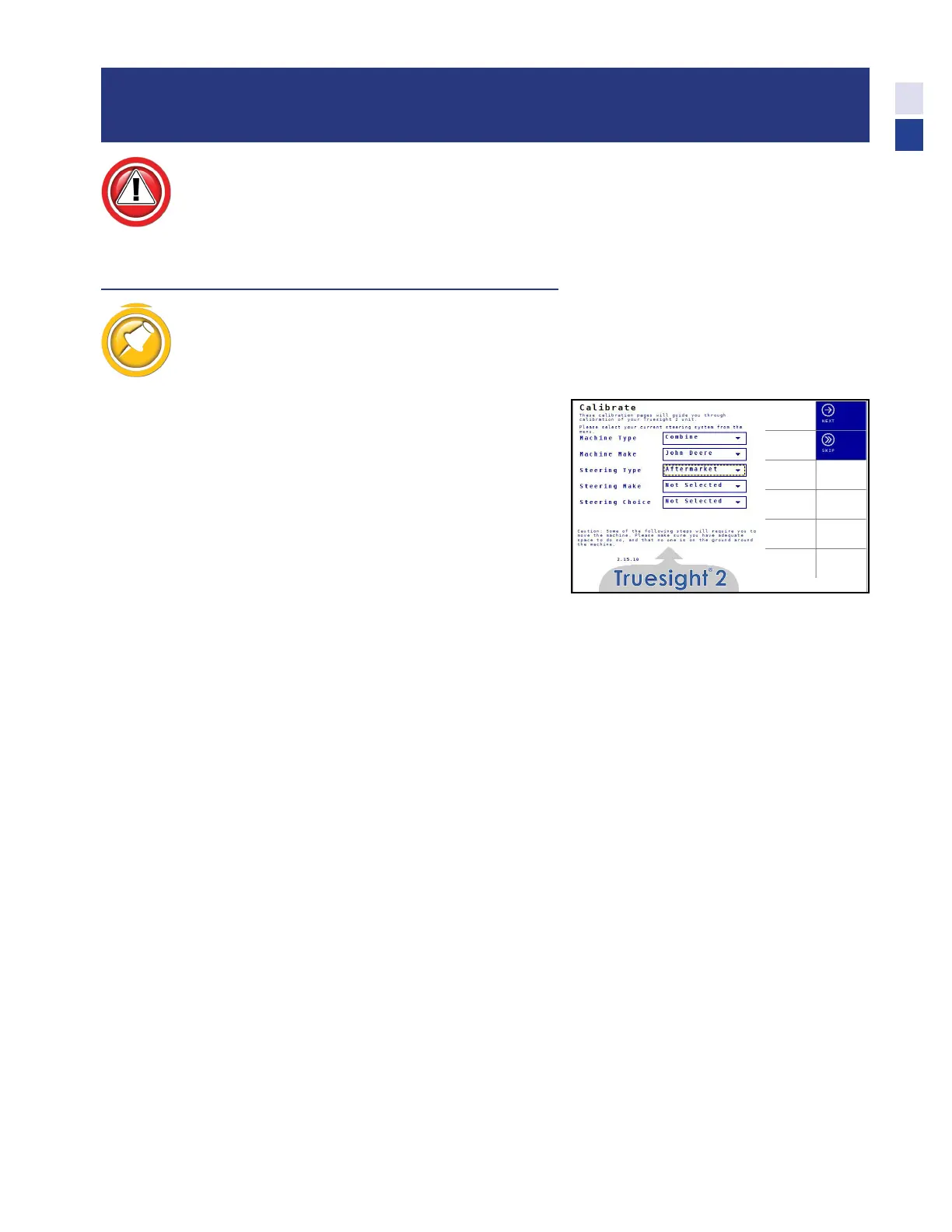
3. For Aftermarket systems:
•
Machine Type - Combine
•
Machine Make - John Deere
•
Steering Type - Aftermarket
•
Steering Make - Select from Menu
•
Steering Choice - Select from menu
•
Press Next
4. Connector Orientation
•
Front or rear
•
Press Next
5. Wheel Angle Calibration
•
Follow on screen instructions
•
Press Next
6. Deadzones Calibration
•
Follow on screen instructions
•
Press Finish
25
Calibration



 To Next Page