Settings
If your system is equipped with a remote display instead of a VT
display, follow “Truesight Remote” manual for settings.
Properly setting the Truesight
®
2 system is essential to having responsive row
guidance control. You should become very familiar with the steps in this section.
Access Settings
1. Access Truesight 2 VT screen on display.
•
If you are unsure how to do this see Operation:
Finding VT Applications section of this manual
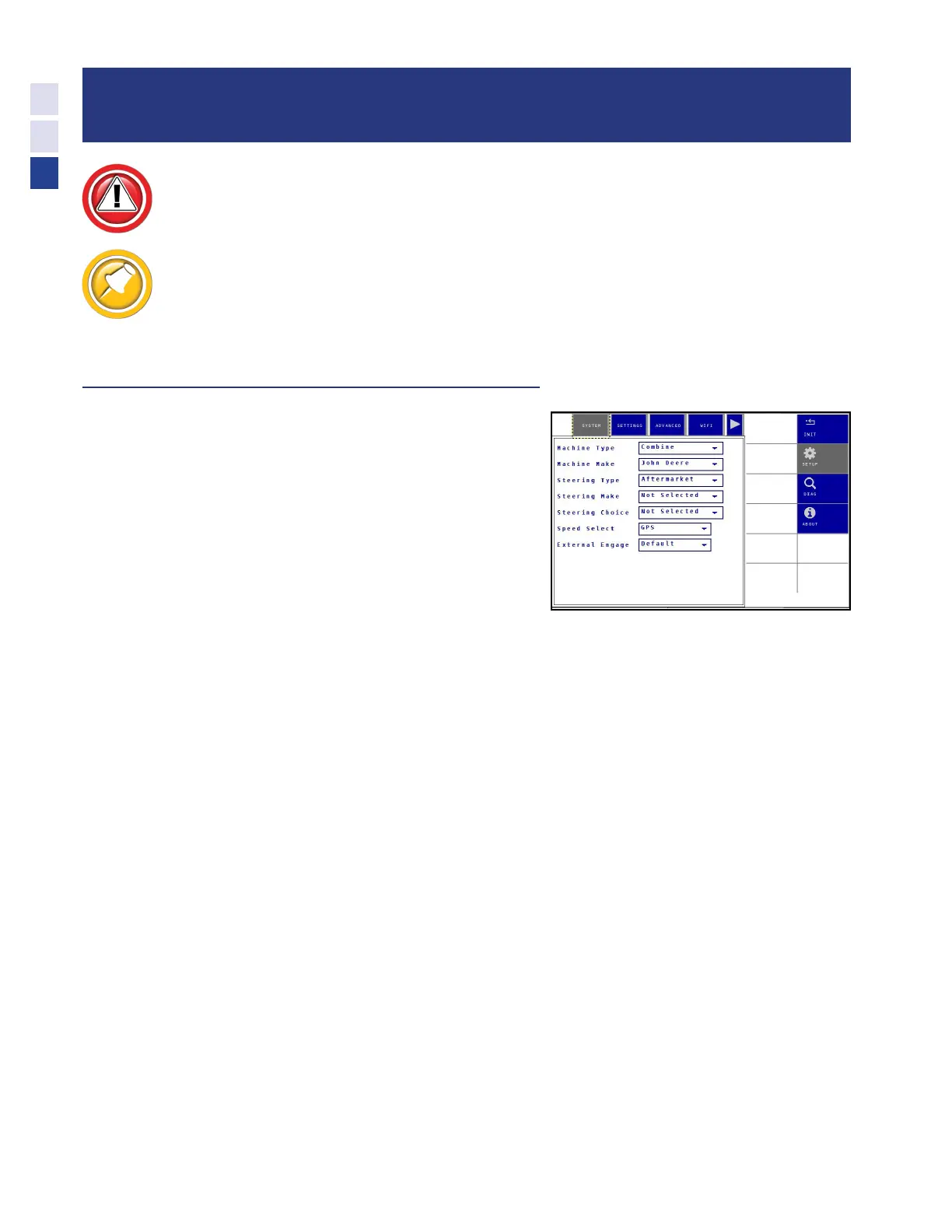
2. Choose the Setup tab at right then Settings or
Advanced tab at top of screen menu.
•
Adjust the desired setting or settings
28
Settings



 To Next Page