54
|
HEAT-TIMER CORP.
059305–00 REV. E
ALARM LOG
Selections: Scroll list
Available in Control Mode: All
Menu Path: /Maintenance > Alarm Log
Description:
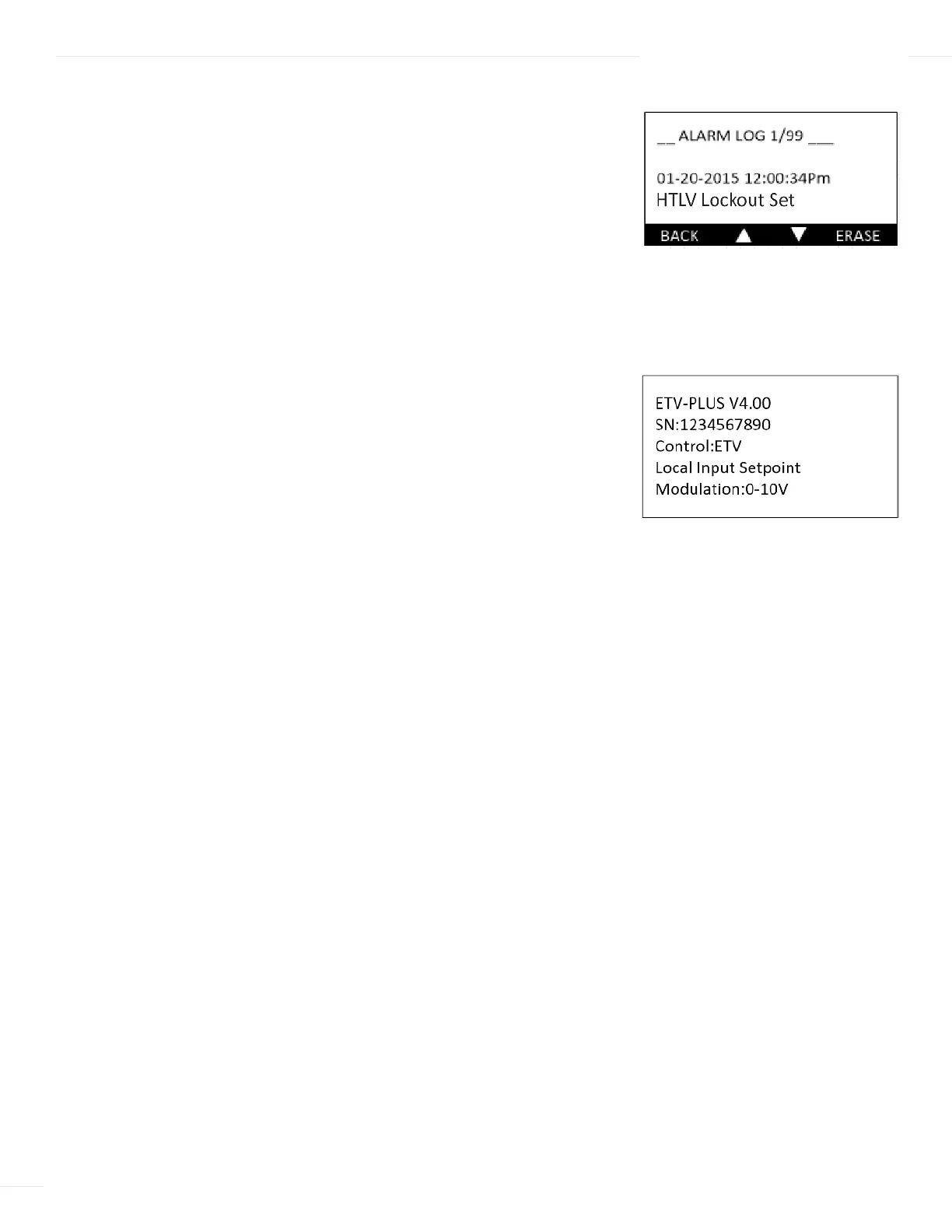
The ETV Platinum Plus keeps a log of the last 99 alarms, including their
date and time. For a list of possible alarms included in the Alarm Log, see “Alarm
Messages” on page 42.
Use the two middle buttons to scroll through the alarm list. Single-press the Erase
button to delete the currently displayed alarm. Long-press (at least 5 seconds) the
Erase button to delete all alarm entries.
CONFIGURATION
Selections: None
Available in Control Mode: All
Menu Path: /Maintenance > Configuration
Description:
The Configuration menu provides access to screens that display the
current configuration of the ETV Platinum Plus. Available information includes: software
version, serial number, startup settings, communication settings, and battery level.
Press the Next button to advance through the configuration screens.
06 DISPLAY AND PROGRAMMING



 To Next Page