Remote Backup: remote backup the video files from NVR, this
permission is detailed for each channel. A channel with remote
backup authority must have remote playback authority.
NOTE
Only the admin administrator has the right to "restore default
parameters".
Channel permissions support individual permission settings for a
channel.
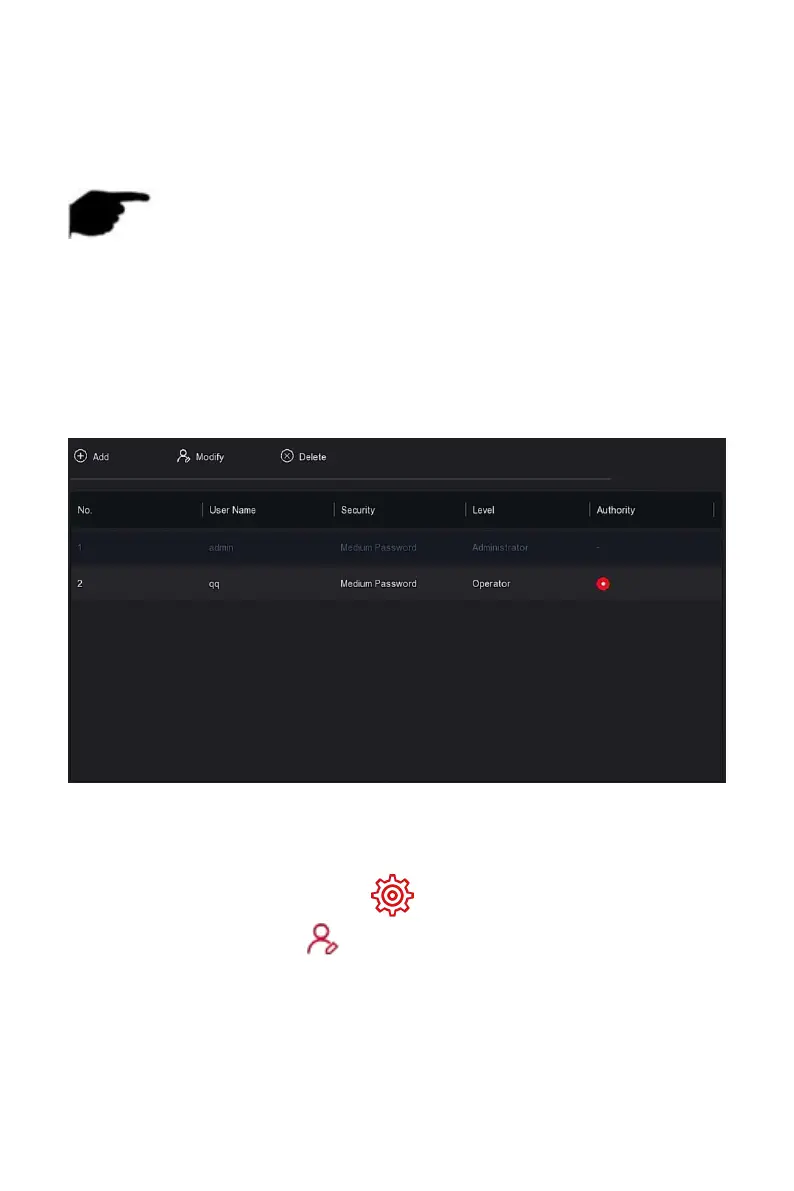
Steps 6: Click "Save" to save the set permissions and return to the user
management interface, as shown in Figure 5-54
○
4
below.
Figure 5-54
○
4
The specific operation steps are as follows:
Step 1: In the main menu, choose " →User" to enter User interface.
Steps 2: Choose User, click " Modify" to enter Modify User interface, as
shown in Figure 5-55 below.



 To Next Page