the network is connected. For details, see 5.3.7.7 Network
Detection.
6.2 Browser Login
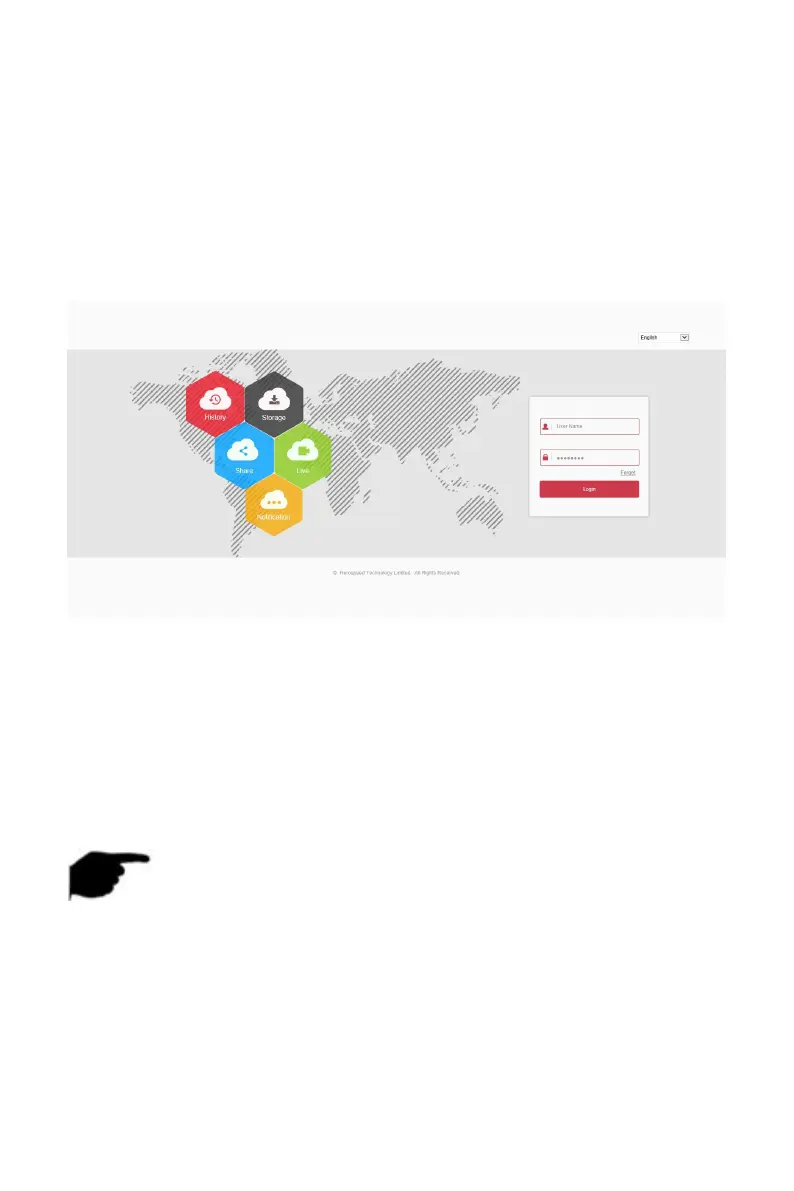
To make sure NVR connects to Internet successfully, open Browser, input
required IP address, the default setting is 192.168.1.88, and enter the login
interface, as below Figure 6-1.
Figure 6-1
Select the system language in the upper right corner of the interface
(currently supports Chinese Simplified, Chinese Traditional, English, Polish,
Czech, Russian, Thai, Hebrew, Arabic, Bulgarian, German, French, Portuguese,
Turkish, Spanish, Italian, Hungarian, Romance, Korean, Dutch, Greek,
Vietnamese, and Japanese, the default is English), enter the user name and
password, the default user name is "admin", the password is "12345", click
"Login" Remote login.
NOTE
Modify Password: After logging in to the webpage, the system prompts
"The current password is too simple, please modify the password!",
click "Modify", enter the new password, confirm the password, set the
security question, export the key, click "OK", and complete the
password modification.
Forgot password: On the WEB login interface, click "Forget", select a
verification method such as "Answer the question", select the question



 To Next Page