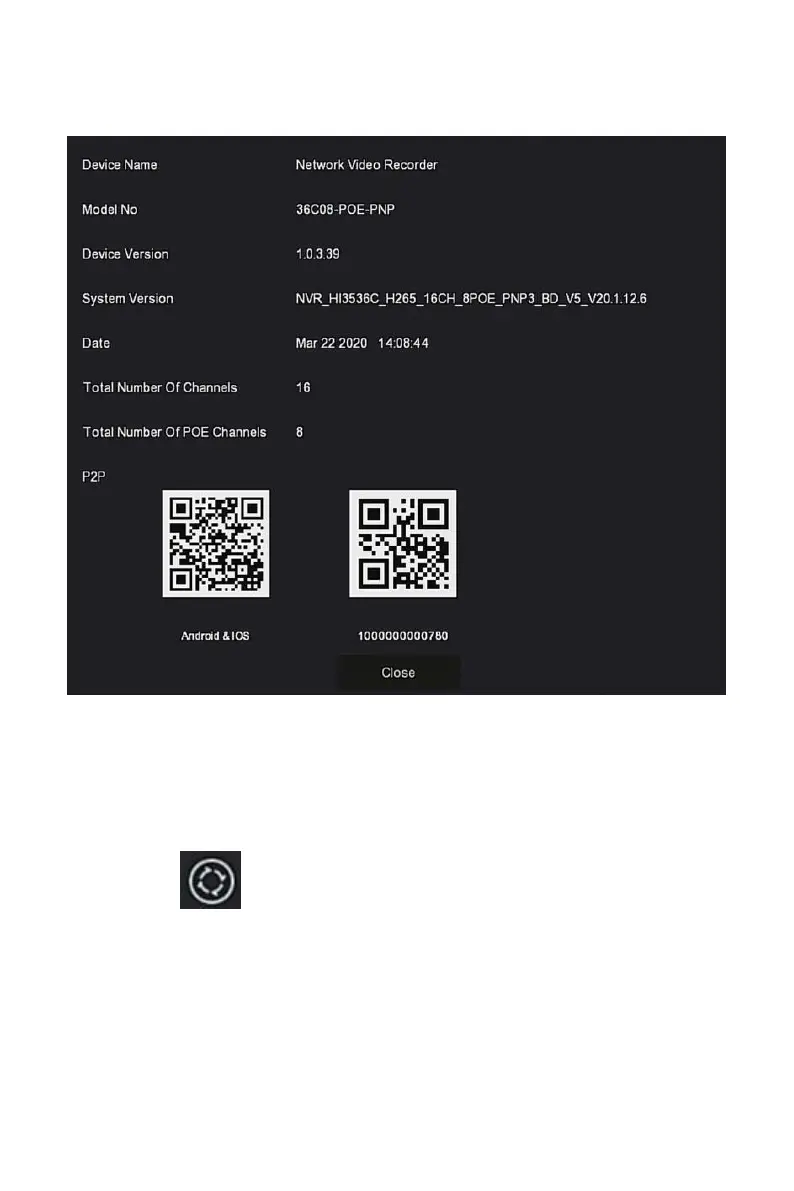
channels supported by the product, serial number and other information, as
shown in Figure 5-3 below:
Figure 5-3
5.1.3 Poll
The device supports the poll function. After setting, the system will play
video frames in turn according to the split screen. After each group of
pictures is displayed for a certain time, it will automatically jump to the next
group of pictures, as shown in Figure 5-4:
Step 1: Click" "in the shortcut menu to enter the poll setting interface.
Steps 2: Check "Enable" to set polling interval and mode.
Steps 3: Click"Save".



 To Next Page