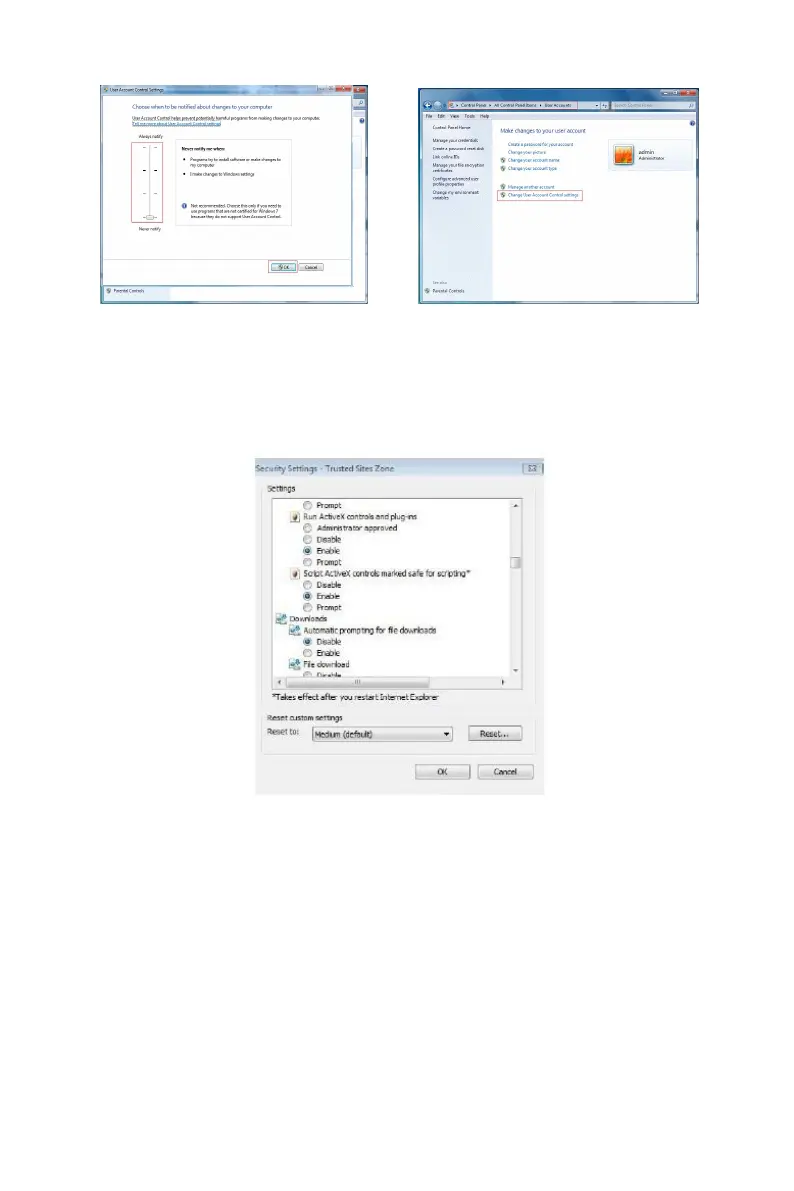
WIN7-1 WIN7-2
The Active X can't be loaded. Please adjust the security level and
firewall setting to the lowest, and make some adjustment to IE as well:
Tool-Internet Option- Custom level-ActiveX- enables all the options
below ActiveX and click "OK", the Active X will be downloaded and
installed automatically, please refer to the Figure 6-3.
Figure 6-3
6.3 Live View
After login the client successfully, entering live preview interface. The
interface as below Figure 6-4:



 To Next Page