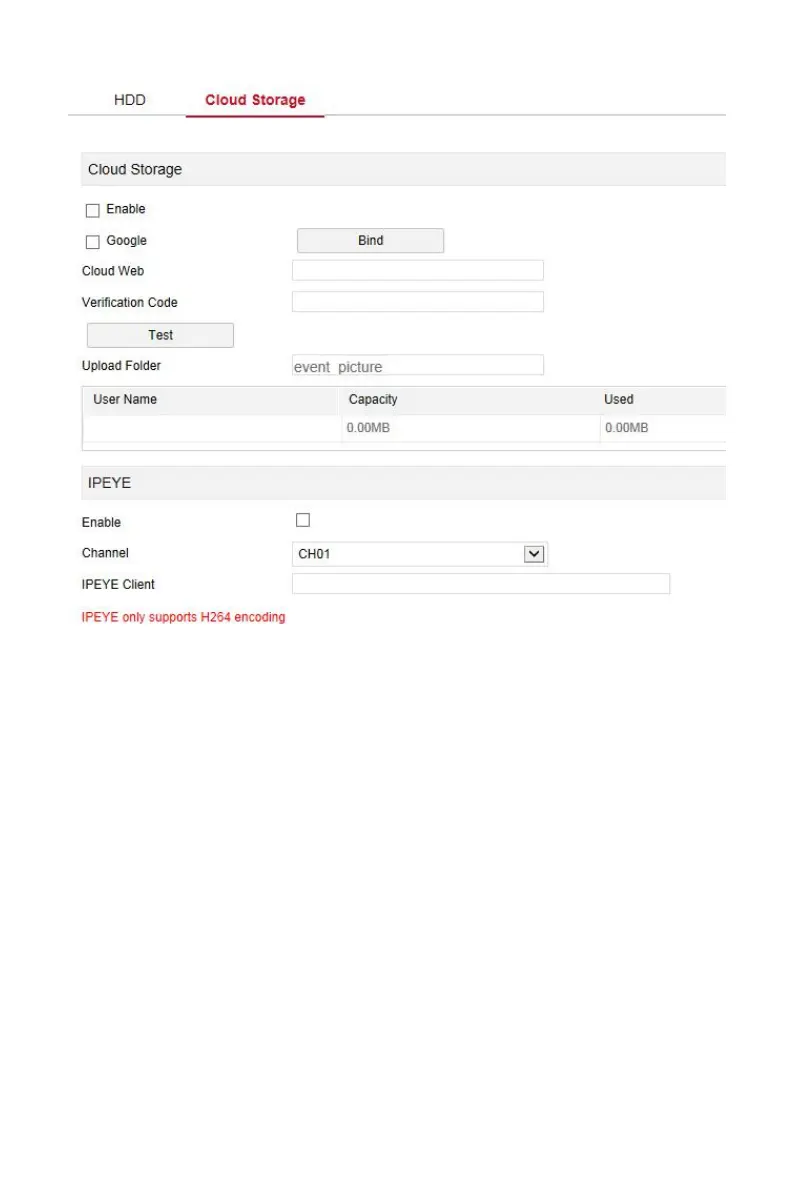
Figure 6-16
6.5.4 System
6.5.4.1 General
In the main interface, click "Configuration →System →General" to enter the
device setting interface, as shown in Figure 6-17 below. Here you could view
and check the language, record mode, record days, video standard,
resolution and other information, click "Save" to complete the setting.



 To Next Page