Chapter 4 NVR Startup
4.1 System Initialization
The steps to turn on NVR are as follows:
○
1
Connect the device to the monitor and plug in the mouse and power
cord.
○
2
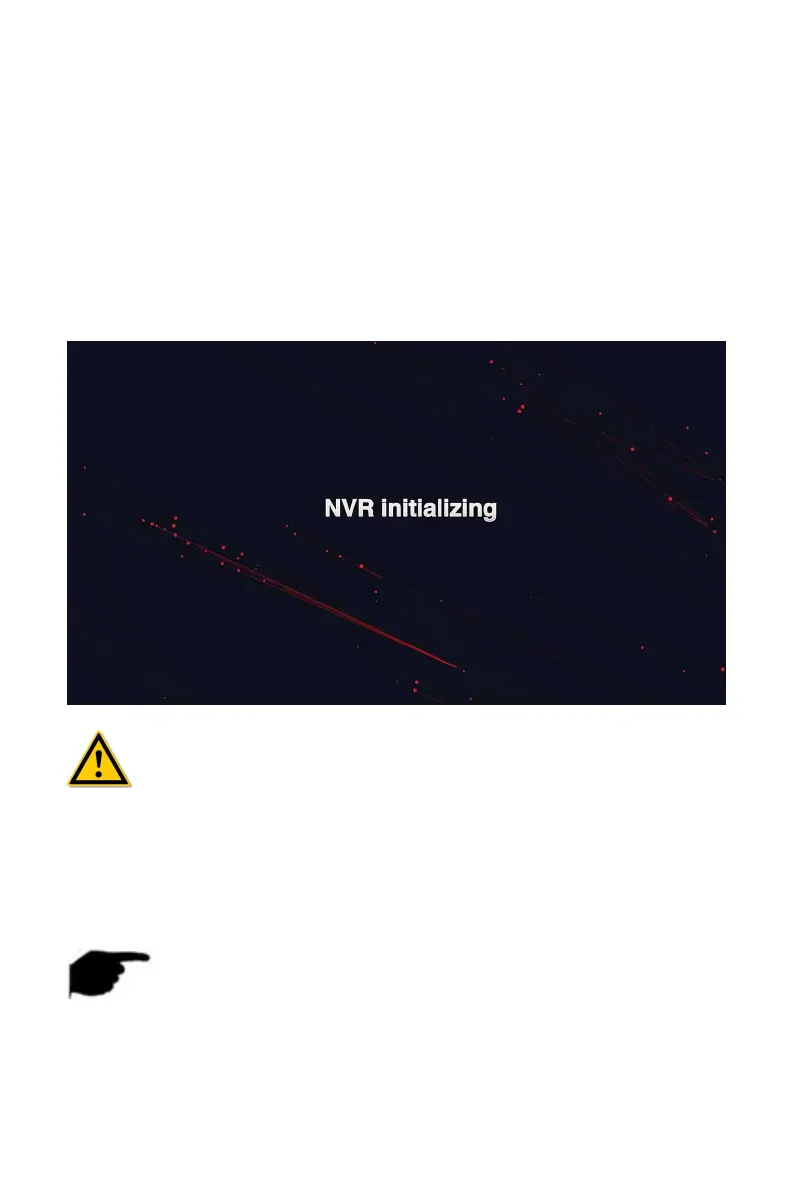
Turn on the power switch on the rear panel to start the device. The
system initialization screen appears, as shown in Figure 4-1.
Figure 4-1
CAUTION
Please confirm that the voltage to be connected matches the NVR
requirements and ensure that the NVR ground is well grounded.
If the power supply is abnormal, the NVR may not work properly or
even damage the NVR. It is recommended to use a regulated power
supply for power supply.
NOTE
After the device starts up, it can be simply configured through the boot
wizard, which is the normal operation of the device.



 To Next Page