the yellow time point position, playback channel to play the point in
time recording.
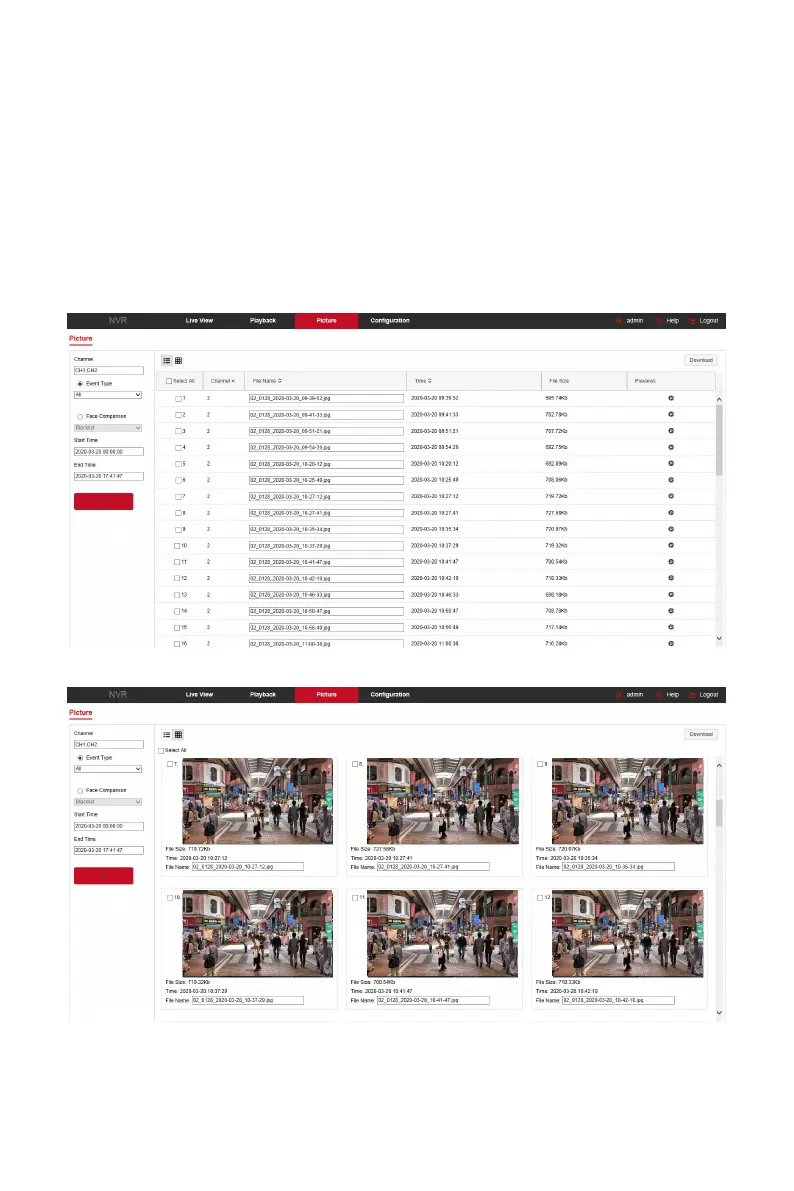
6.7 Picture
In the picture interface, you can view and download all the pictures captured
on the device side. The steps are as follows:
Step 1: In the main interface, click "Picture" to enter the picture interface, as
shown in Figure 6-49
○
1
○
2
below.
6-49
○
1
6-49
○
2



 To Next Page