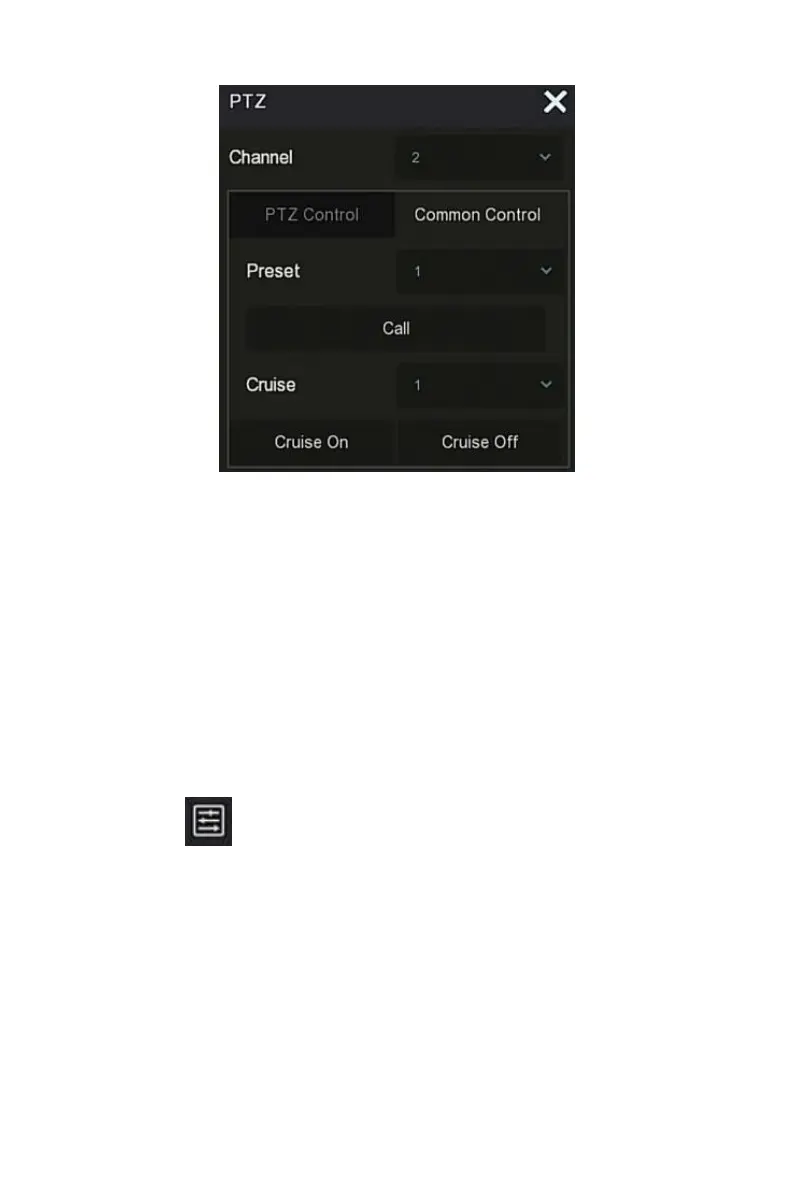
Figure 4-11
○
3
Preset: Select a preset point.
Call: Click on the PTZ to jump to the selected preset point position.
Cruise: Select the cruise route you have set and click to turn cruise
on/off.
Cruise on: Follow the cruise line to start cruising.
Cruise off: Close the current cruise line.
4.5.2 Image
In the image color setting interface, you can set the image parameters of the
IPC channel, such as brightness, contrast, IRcut, and white balance.
The steps for image setup are as follows:
Step 1: Click " " from the IPC channel to enter the channel image color
setting interface, as shown in Figure 4-12.



 To Next Page