4.2 Boot wizard
4.2.1 Quick Startup Wizard
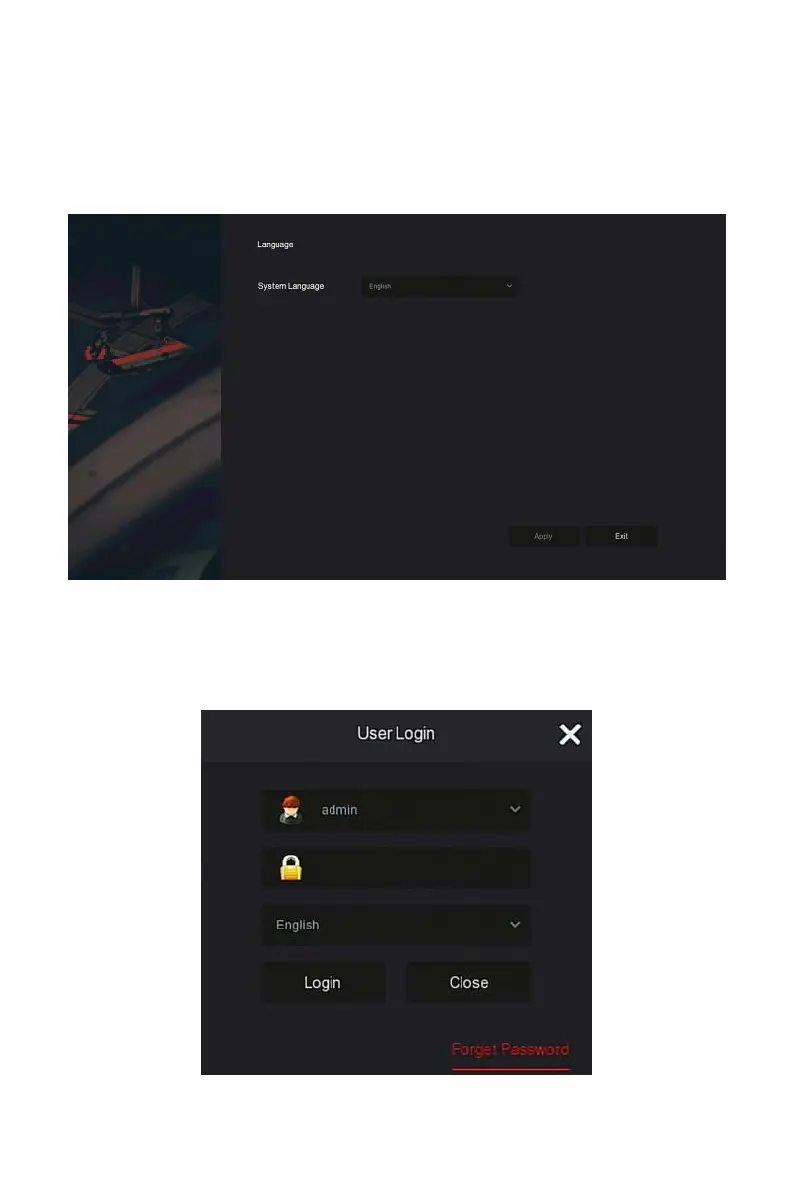
Quickly configuration the NVR as shown in Figure 4-2:
○
1
Select the system language and click "Apply" .
Figure 4-2
○
1
○
2
Then select a user, enter the password, select the system language and
click "Login" to login the system (the default username is admin, password is
12345).



 To Next Page