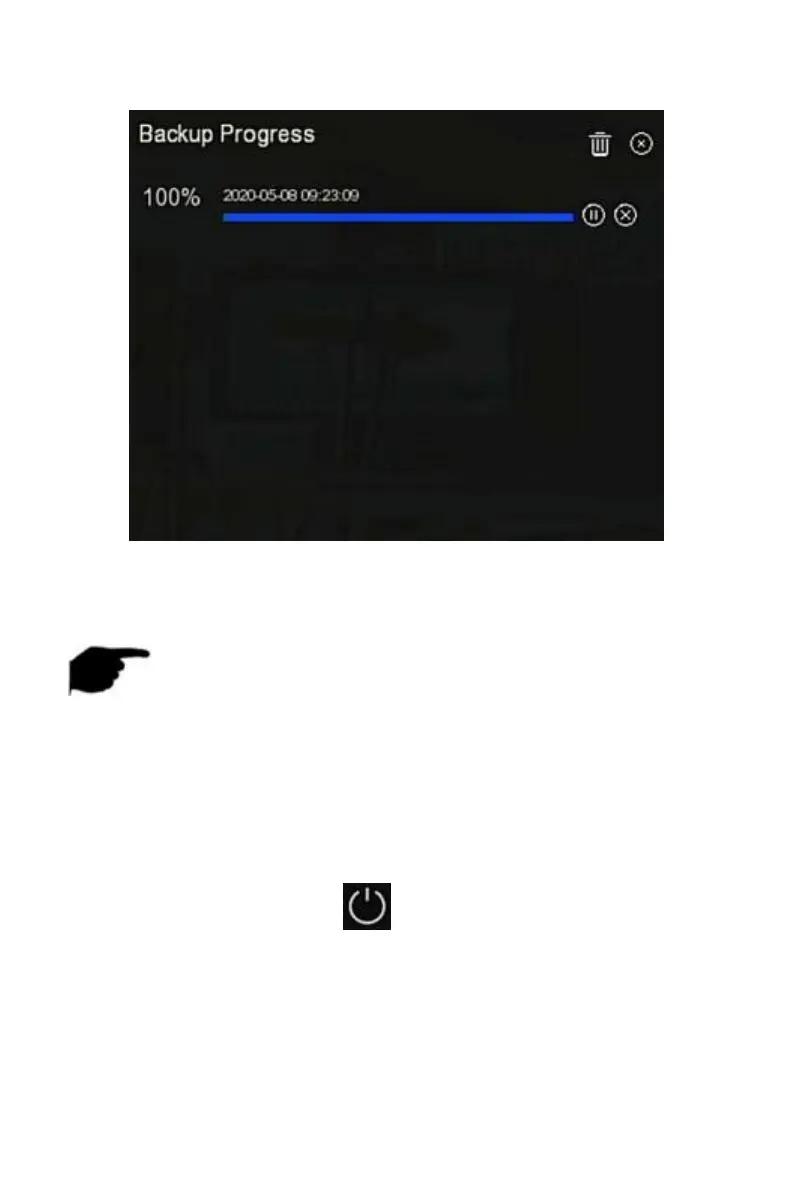
Figure 5-92
Steps 2: View the backup progress of the file, pause and delete the backup
file.
NOTE
The USB disk has been inserted into the device, and the backup file has
been selected for backup. And then you can view the backup-related
information on the backup progress interface.
5.3.11 Shutdown
The specific operation steps are as follows:
Step 1: In the main menu, click " " to enter the shutdown interface, as
shown in Figure 5-93 below.



 To Next Page