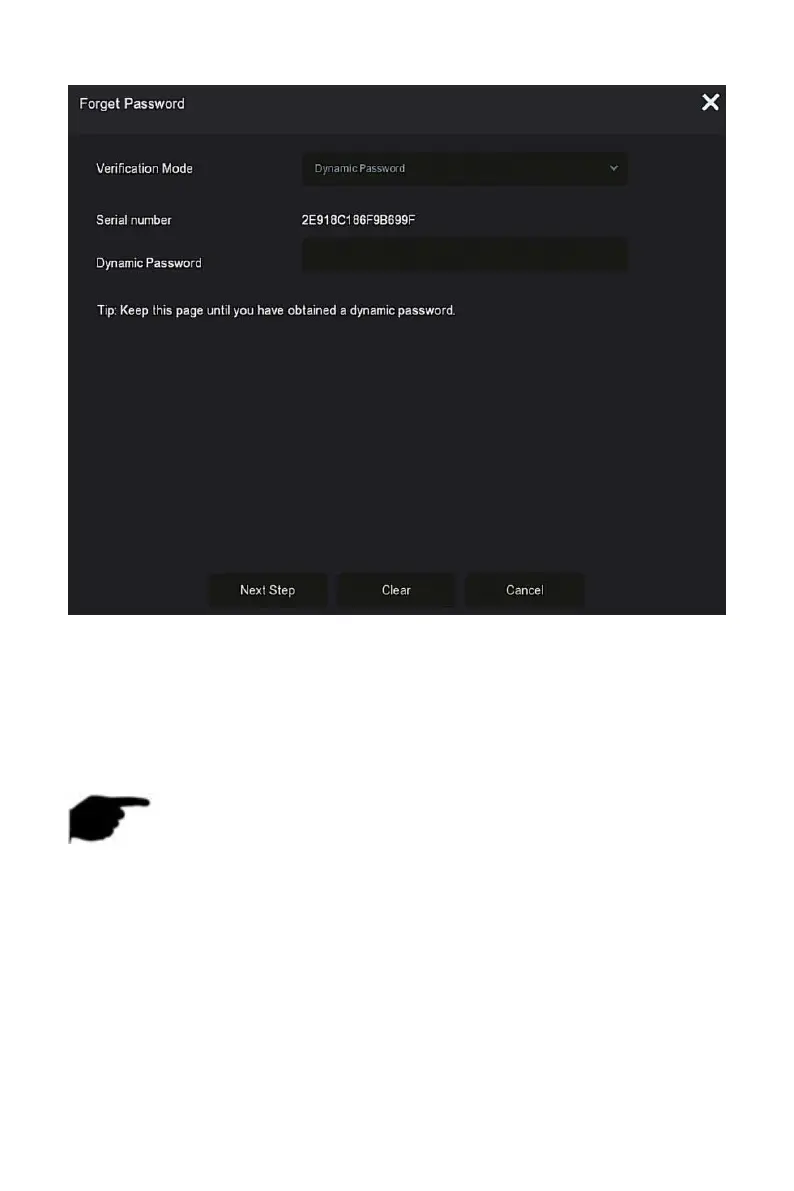
Figure 4-7
○
1
Contact the supplier to get the security code, enter the location of the
security code, and click "Next Step".
○
2 In the modify user interface, check "Change Password", enter a new
password, confirm the password, and click "Save".
NOTE
When selecting "Answer The Question", you must answer at least 2
questions, and the answer must be exactly the same as the set answer
when setting the password before entering the "Modify User" interface.
When you select "Import Key", the key file in the USB flash drive must
be the key file exported by this device.
4.3 Preview Interface
After the system is fully booted, it will enter into the default preview
interface, as shown in Figure 4-8.



 To Next Page