○
2
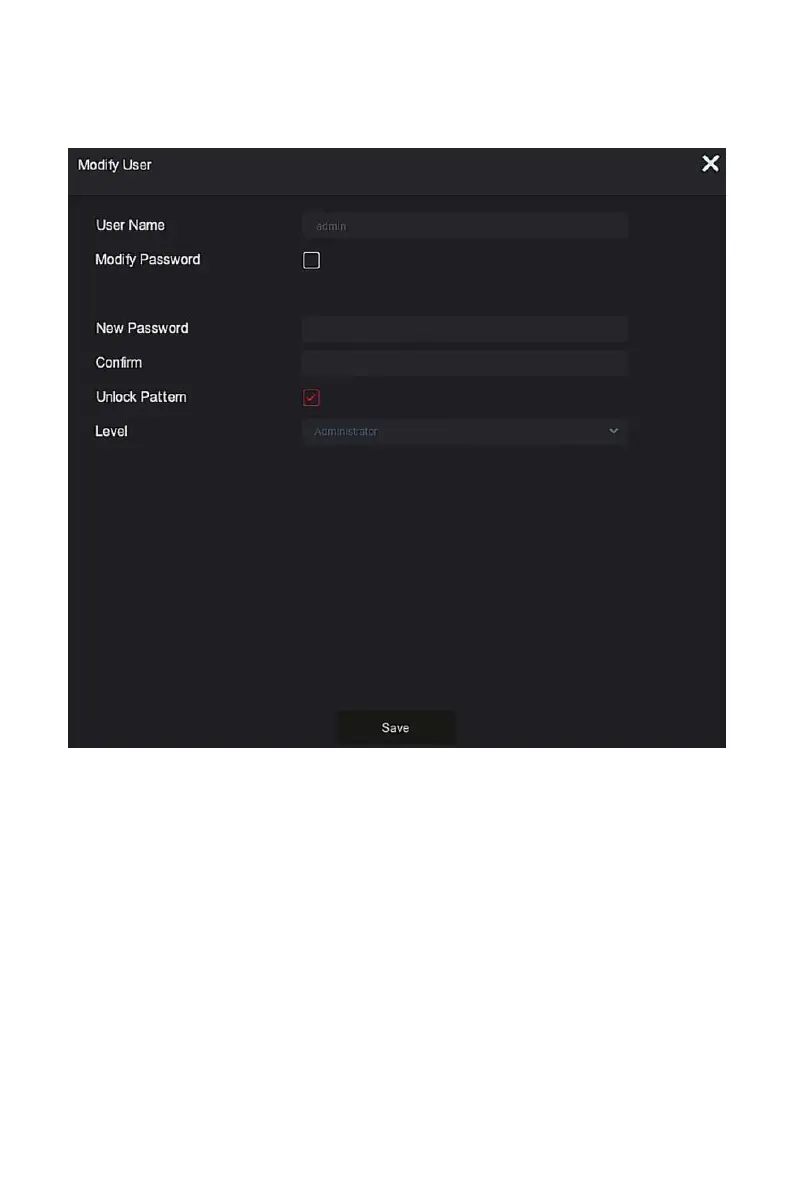
In the modification user interface, select "Change Password", enter a new
password, confirm the password, and click "Save", as shown in Figure 4-6.
Figure4-6
Dynamic Password: Select the authentication method as "Dynamic
Password", as shown in Figure 4-7.



 To Next Page