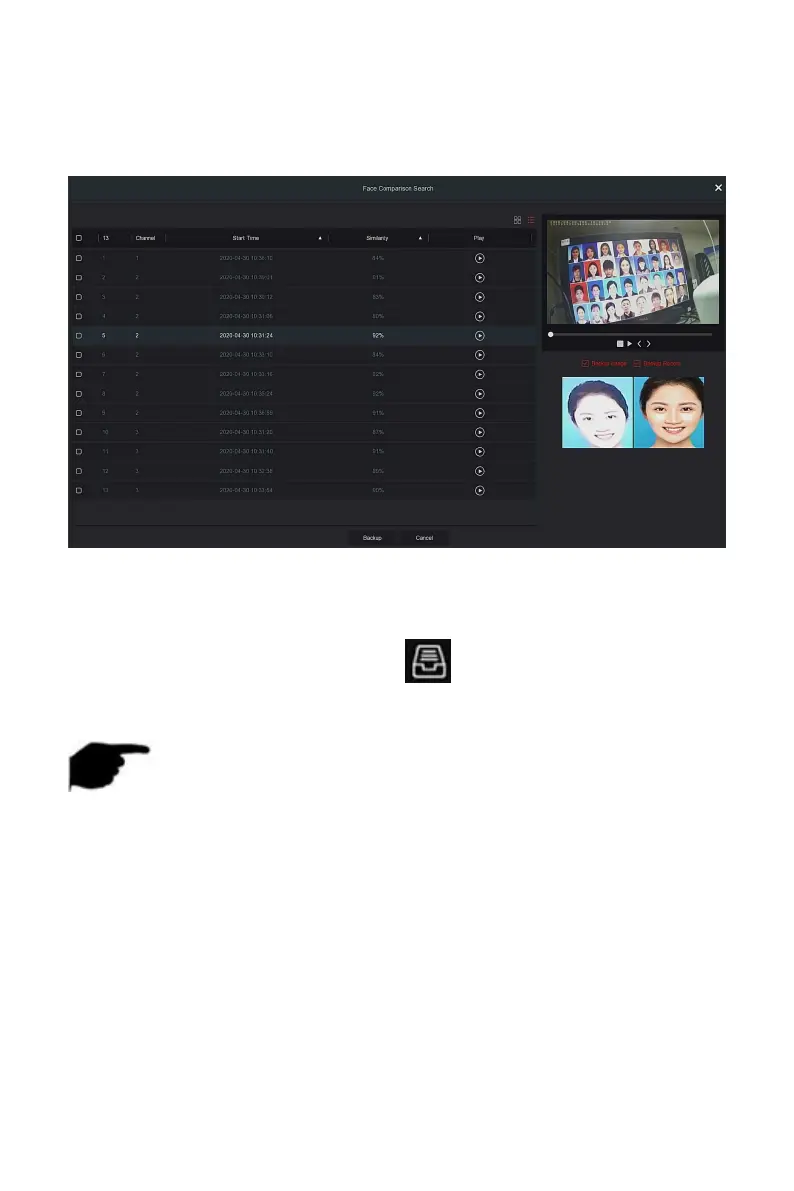
Steps 4: Set search criteria (channel, time, similarity), click "Search ", the
retrieved face comparison results are shown in Figure 5-28
○
4
below.
Figure 5-28
○
4
Steps 5: Select the picture in the search results, select"Backup Picture" and
"Backup Record" according to the actual needs, click "Backup".
Steps 6: The file starts to back up, click" "in the upper right corner to
view the backup progress, and wait for the backup progress to complete.
NOTE
For details of the buttons on the search results interface, see the
introduction of the search by event interface.
5.3.4.3 People Count
Coming soon!
5.3.4.4 Heat Map
Coming soon!
5.3.5 Channel



 To Next Page