set when changing the password, enter the corresponding answer, and
click "Next" to reset the new password as prompted. Click "Re-login" to
return to the login interface.
If the HTTP port is set to a port other than 80, enter "http: // IP address
+ :( colon) + port number" in the address bar of your browser, such as
"http://192.168.1.88:96".
6.3 Active X download, installation
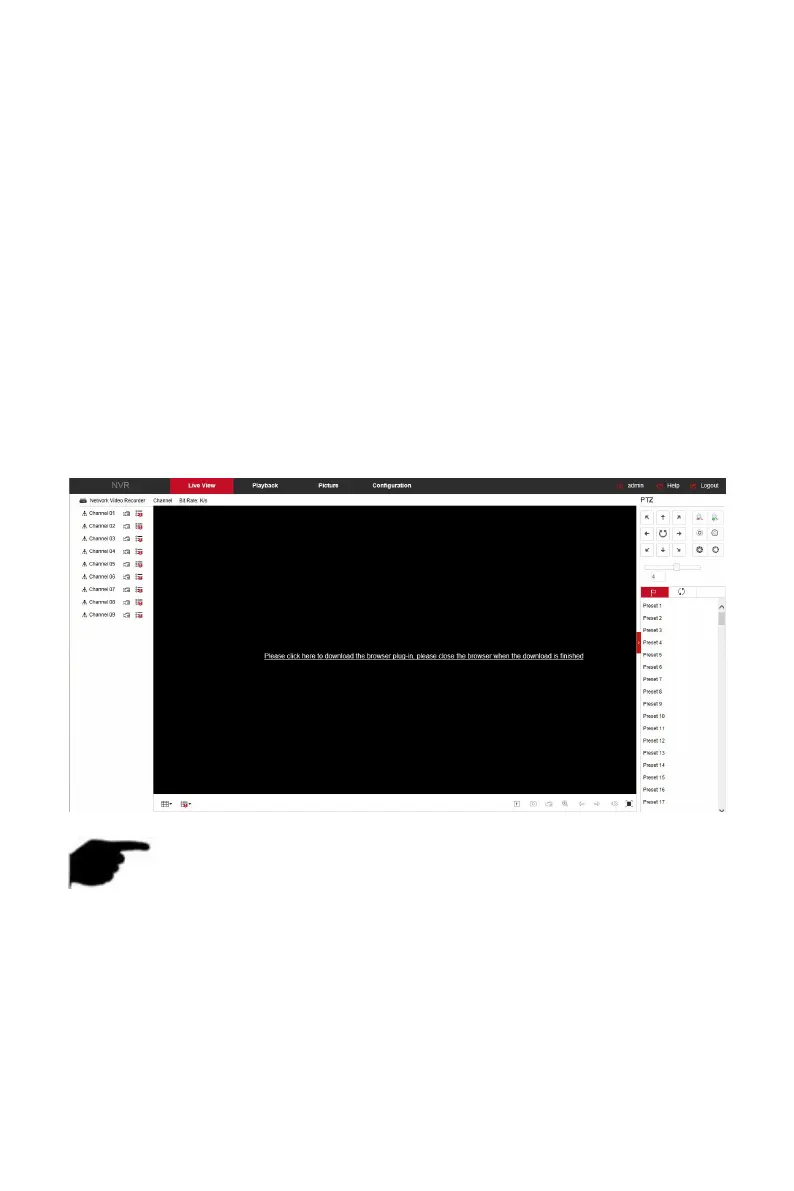
The browser plug-in needs to be downloaded and installed when logging in
to the device for the first time, as shown in Figure 6-2 below, click "Please
click here to download the browser plug-in, please close the browser when
the download is finished" and install it, and follow the prompts to complete
the installation.
Figure 6-2
NOTE
After the NVR upgrades to a new version, you need to delete the
original control and download and install the control again.
For WIN 7 could have problems for backup and recording, if so, please
check the Admin setting, procedure as follows:



 To Next Page