○
9
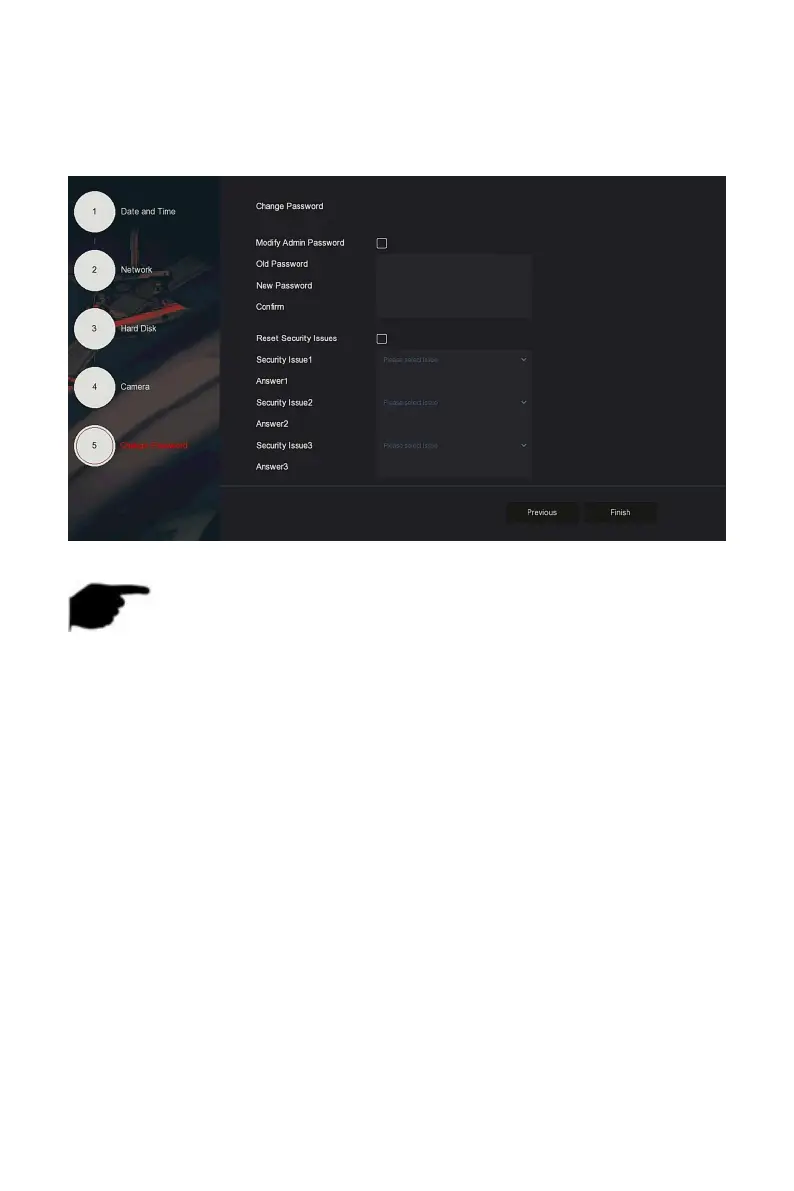
Go to the "Change Password" interface, setting system password and
security questions according to your actual needs,, click "Complete", the
boot wizard is set up.
Figure 4-2
○
9
NOTE
On the startup wizard screen, click "Exit→Confirm" to exit the startup
wizard.
In the Date and Time setting interface, uncheck "Enable Wizard", the
system will no longer display the "Boot Wizard" interface after the next
boot.
When the password is too simple, after the login, a password strength
security interface will pop up. You can click "Modify later" to continue
using the existing password.
Any interface of the boot wizard, if you do not need to modify it, please
click "Next" to enter the next interface directly.
Please confirm that the NVR device has been properly connected to the
network before setting up the network parameters.
The hard disk needs to be formatted when it is first installed on the
device.
4.2.2 Forget Password



 To Next Page