Figure 5-90
Steps 2: View abnormal information and various alarms of the device.
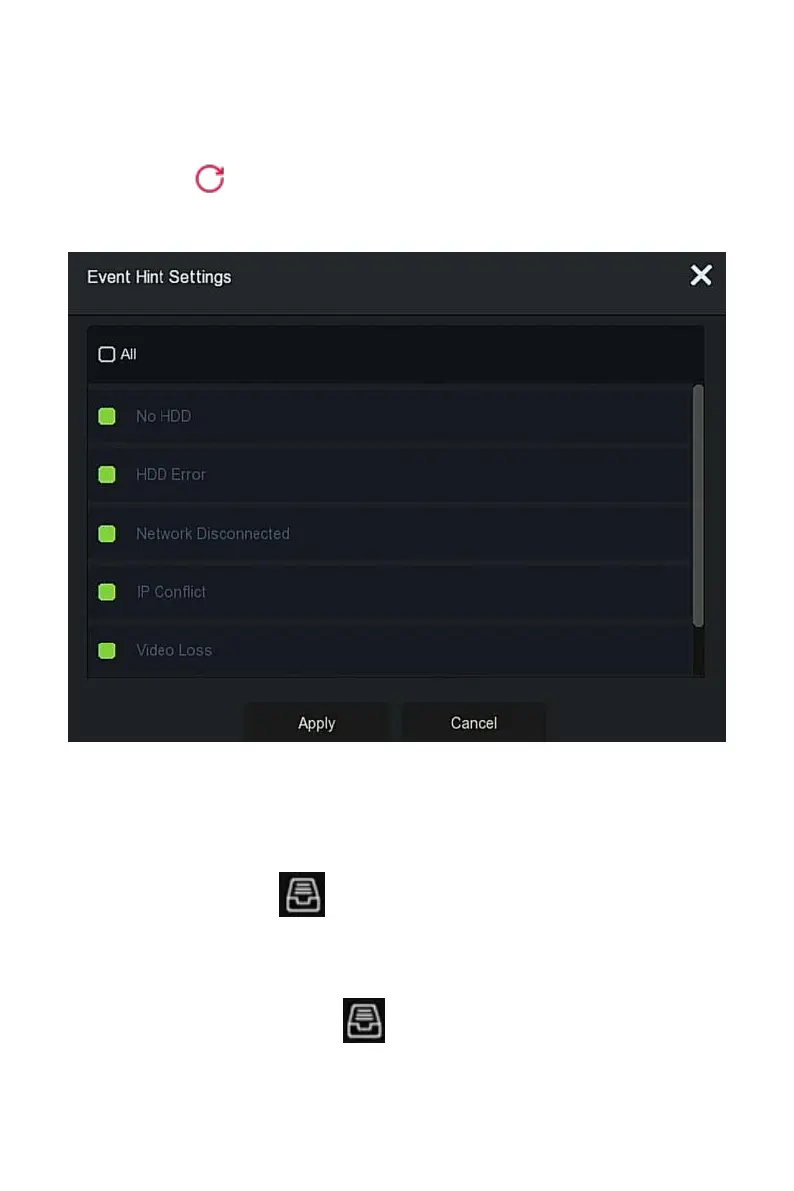
Steps 3: Click " Set" to enter "Event Hint Setting" interface, abnormal
event information and various alarms displayed on the interface, as shown in
Figure 5-91 below.
Figure 5-91
Steps 4: Click "Apply" to save the setting.
5.3.10 Backup Process
In the main menu, click " " to enter the backup process interface, during
file backup, you can view the backup progress of the file, pause and delete
the backup file, as shown in Figure 5-7 below.
The specific operation steps are as follows:
Step 1: In the main menu, click " " to enter the Backup process interface,
as shown in Figure 5-92 below.



 To Next Page