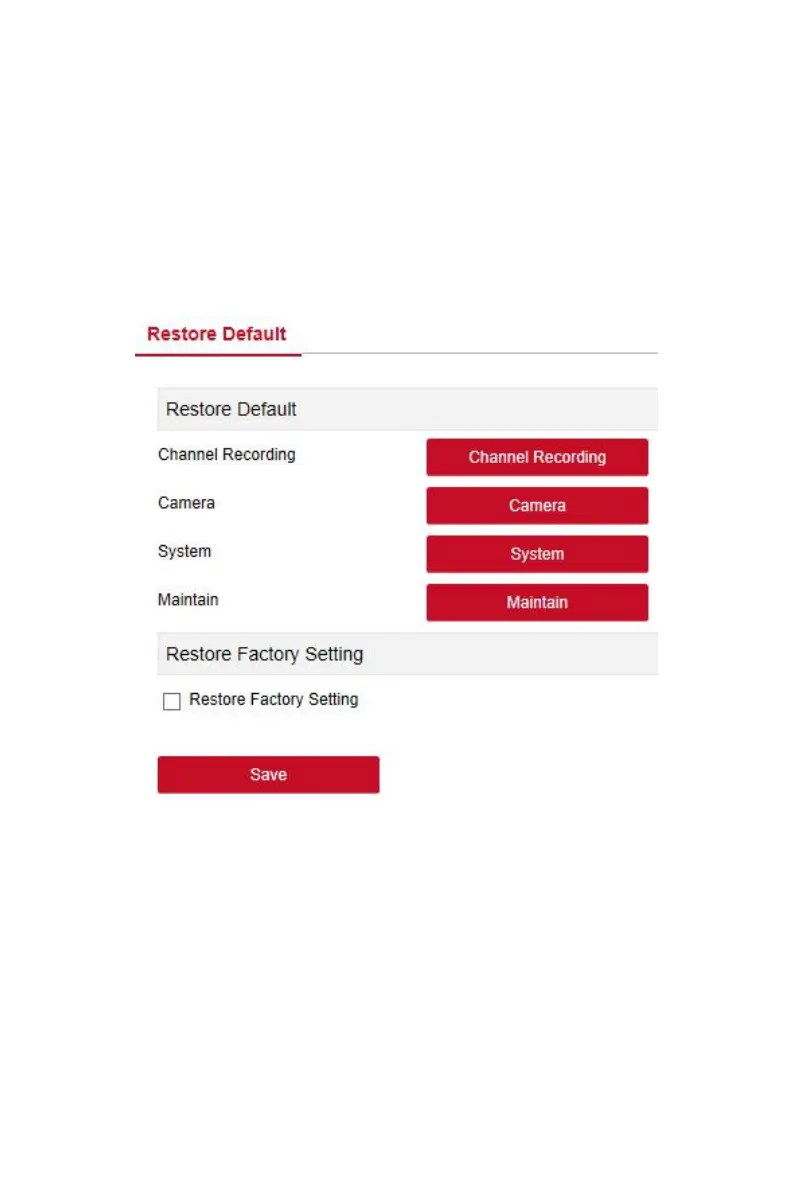
Set the restore default to restore the device default parameters to the
factory defaults.
The default steps to restore are as follows:
Step 1: In the main interface, click "Configuration →Maintain →Restore
Default" to enter the restore default interface, as shown in Figure 6-46
below.
Steps 2: Select the parameters you want to restore, such as "Record ".
Steps 3: Click "Save" and the selected parameters are restored to the factory
defaults.
Figure 6-46
6.6 Playback
In the main interface, click "Playback" to enter the playback interface, as
shown in Figure 6-47 below. Here you can view the equipment video, capture,
download and other actions, the settings and NVR settings consistent.



 To Next Page