Chapter 3 Connecting NVR
3.1 Hard Disk Installation
CAUTION
Before installation, please confirm that the power has been
disconnected.
Please use the NVR dedicated monitor hard drive recommended by the
device manufacturer.
Installation tools
A Phillips screwdriver
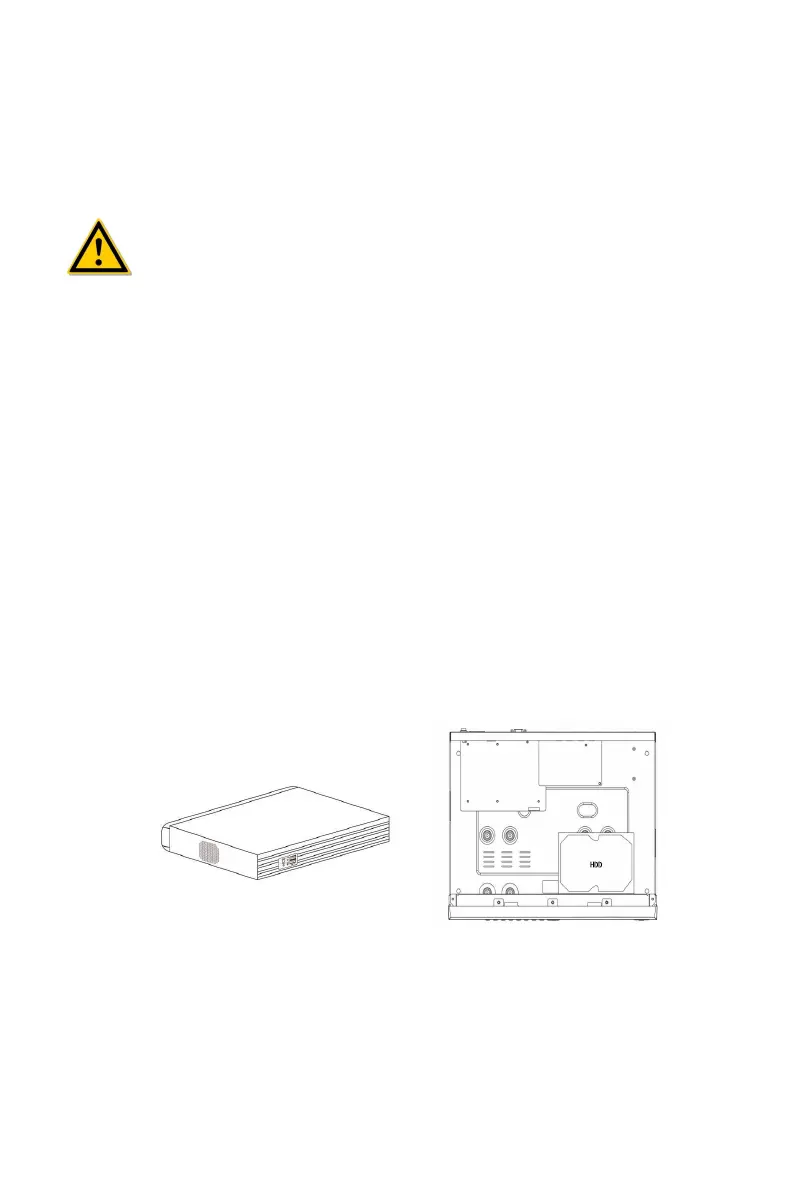
Hard disk installation
The hard disk is installed as shown in Figure 3-1.
(1) Loosen the fixing screw on the cover, open the cover.
(2) Connect one end of the hard disk data cable and power cable to the
motherboard, and connect the other end to the hard disk.
(3) Hold the hard disk with hand, turn over the chassis, and fix the hard disk
with screw at the indicated position.
(4) Turn over the chassis, fix the cover with screw.
(1) (2)



 To Next Page