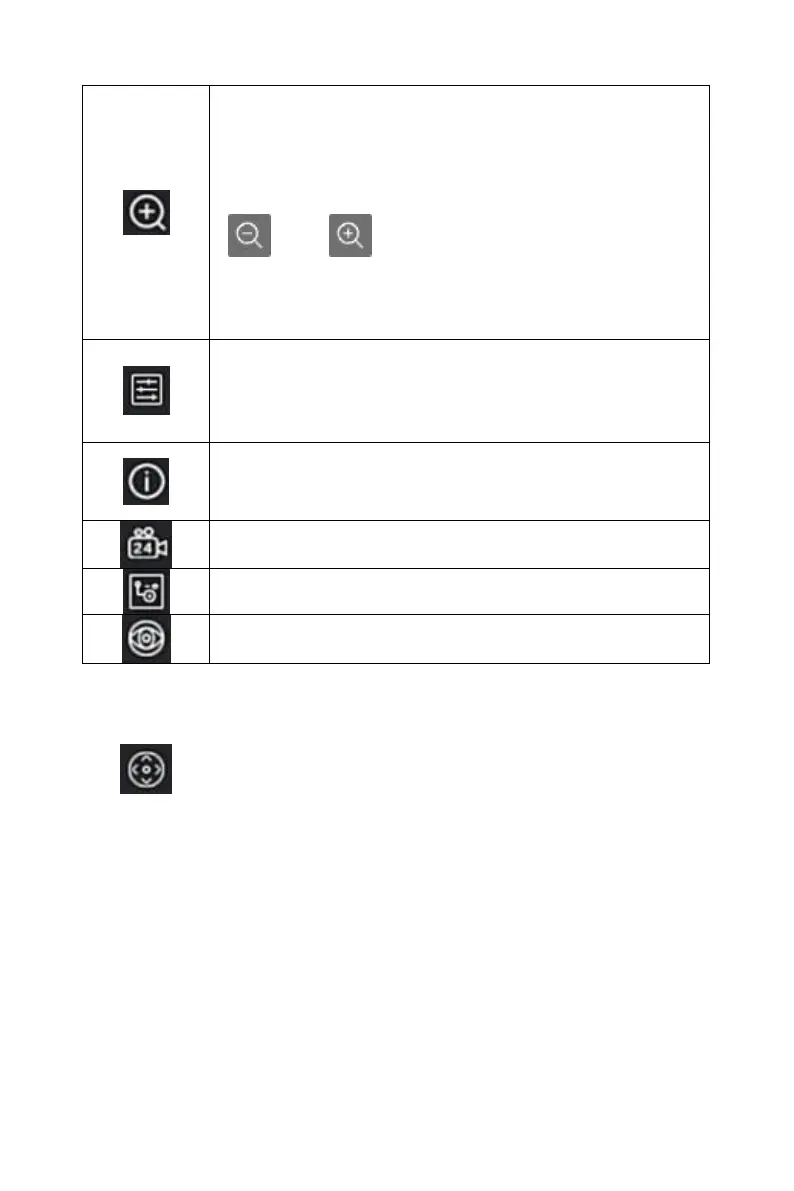
Electronic zoom button, click to enter the full-screen
zoom mode, display the unmagnified image of the
channel in the lower right corner of the screen, and
drag the red frame of the unmagnified image by mouse
to switch the position of the enlarged image. Click
" " and " " or scroll the mouse wheel to adjust
the zoom. multiple. Click the right mouse button to exit
the electronic zoom and restore the live preview
interface.
Image color button, click into the image interface, you
can set the channel brightness, contrast, saturation,
sharpness, fill light, exposure setting, white balance,
video adjustment of the parameter values.
Bit stream information button, when the mouse moves
to the icon position, the channel shows the current
stream and other related parameters.
Turn on / off the channel for all-day timing recording
Switch between main stream and sub stream
Table 4-2
4.5.1 PTZ
Click " " on the channel connected to PTZ to enter the PTZ setting
interface, where you can perform operations such as PTZ speed, direction
and zoom,as shown in Figure 4-11
○
1



 To Next Page