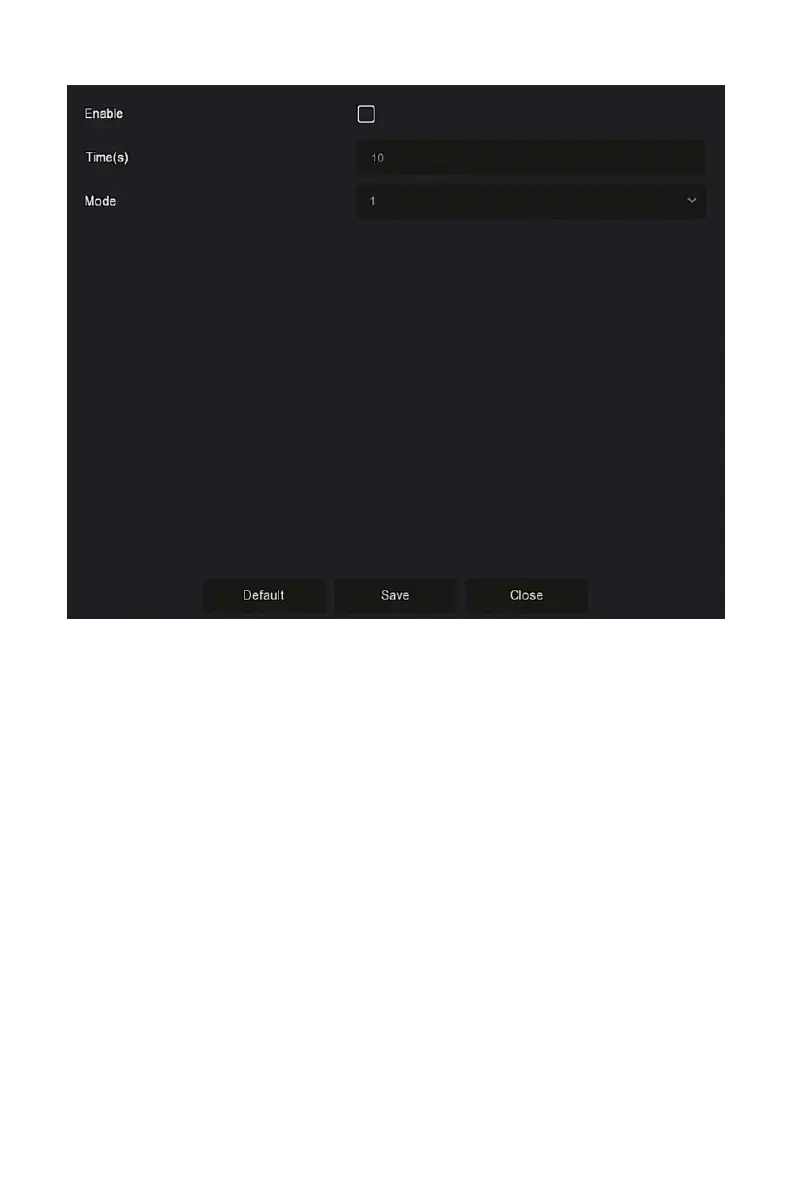
Figure 5-4
Enable: Turn on/off poll function, default is off.
Time(s): Round trip interface time, default 10 seconds.
Mode: The screen number of split screen, the default single channel
display.
5.2 Main Menu
Click the right mouse button on the preview interface to enter the main
menu interface, which is composed of the main menu (upper menu bar) and
shortcut menu (lower menu bar).
Main Menu includes Preview, Playback,File Management, Smart Analysis,
Channel, Storage, System, Maintenance as shown in Figure 5-5.



 To Next Page