Figure 4-9
○
2
Search: Click to search all online IP devices in the LAN according to the
protocol in the "Filter" box.
Add: Add selected device.
Manual Add: For details on how to manually enter device information,
see 5.3.5.1.
Filter: Select the display filter conditions and click "Search", the device
searches and displays all IPC in the LAN that meet the conditions.
NOTE
Filter Search Add Device: In the Add Device interface, select the
corresponding protocol in the "Filter" column →"Search" →Select
Device → Click " ".
Manual Add: On the Device Search interface, click "Manual add" → Click
"Enable"→ Select Protocol, Enter Password, IP, Port → click "Save".
4.5 Channel shortcut menu
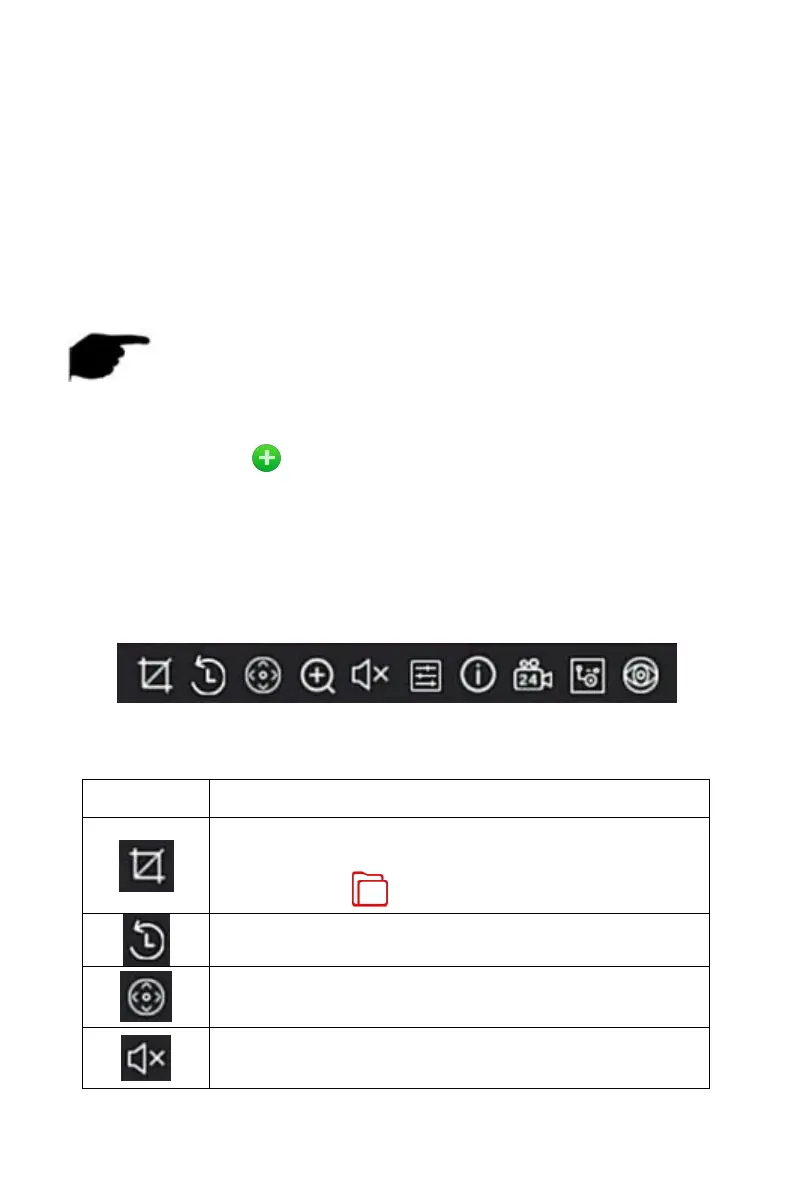
After adding a device to a channel, click the channel. The shortcut menu
appears as shown in Figure 4-10.
Figure 4-10
The function of each icon is shown in the following table:
Manual capture, click the button to capture the current
video pictures. Search, view and backup pictures can be
carried out in " File Management" → "All Files".
Instant playback button, click the button, the channel
playback 5 minutes before the video.
PTZ, click into the PTZ interface
Audio output control button, click to set the channel
output volume and mute.



 To Next Page