sub screen can add up to 32 channels of the main screen. The
sub-screen interface supports functions such as previewing real-time
video, setting PTZ, electronic zoom, image setting, stream information,
turning on / off all-day recording, switching main stream and sub
stream.
5.1.1 Alarm Status
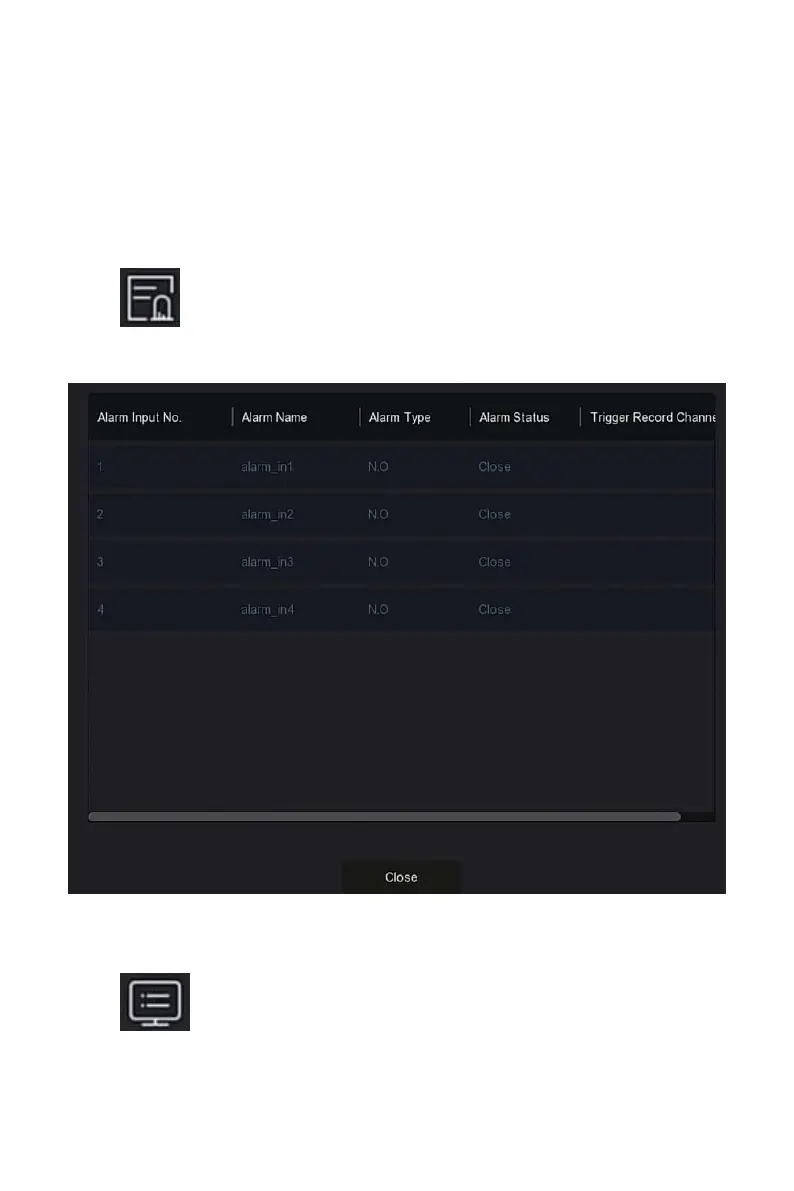
Click " " in the shortcut menu to enter the alarm output interface,
where you can view the alarm output status of the device, and you can
manually trigger / off the alarm output, as shown in Figure 5-2 below:
Figure 5-2
5.1.2 System Info
Click " " in the shortcut menu to enter the version information
interface, where you can view the device name, Model No., number of



 To Next Page