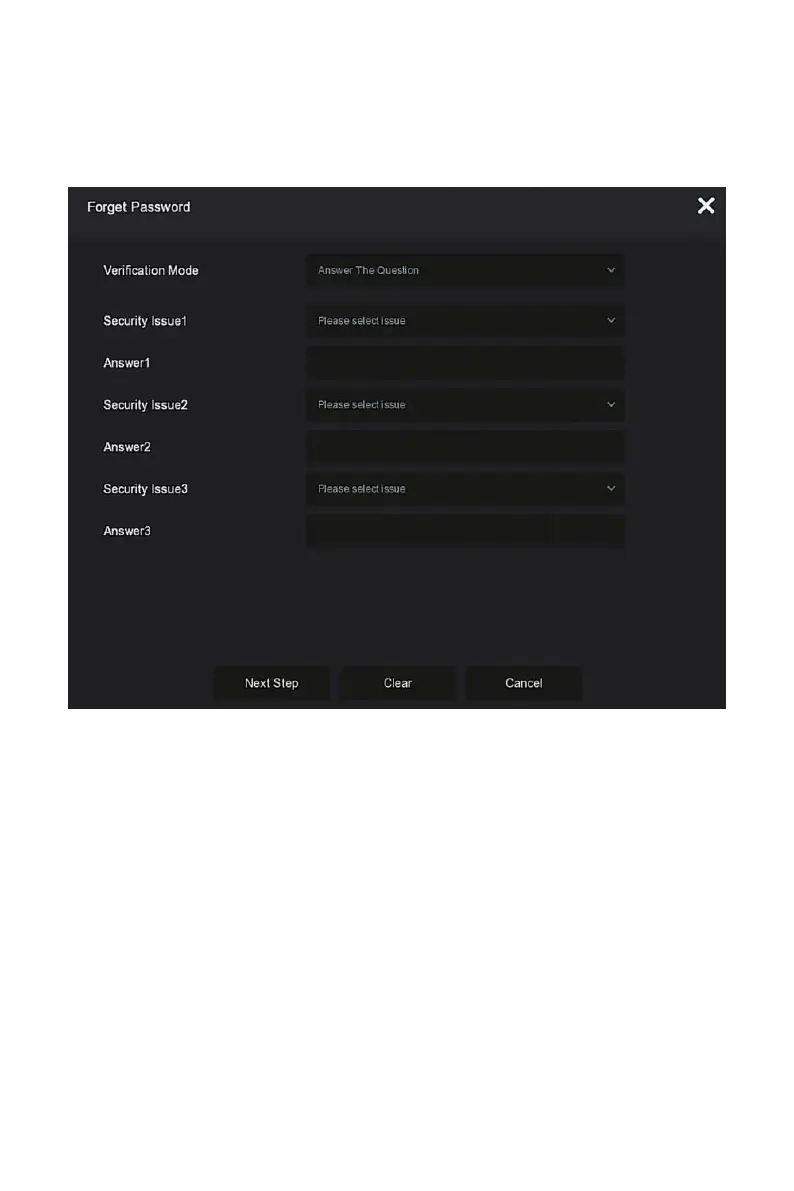
If you forget your password, you can click "Forget password" on the login
page to enter the Forget Password interface to reset the password (as shown
in Figure 4-3). There are three ways to reset the password: "Answer the
question", "Import Key" and "Dynamic Password".
Figure 4-3
Answer The Question: Select the three security questions when setting
the password and enter the answer to the corresponding question, click
"Next Step" to enter the new password setting interface, as shown in
Figure 4-4.



 To Next Page