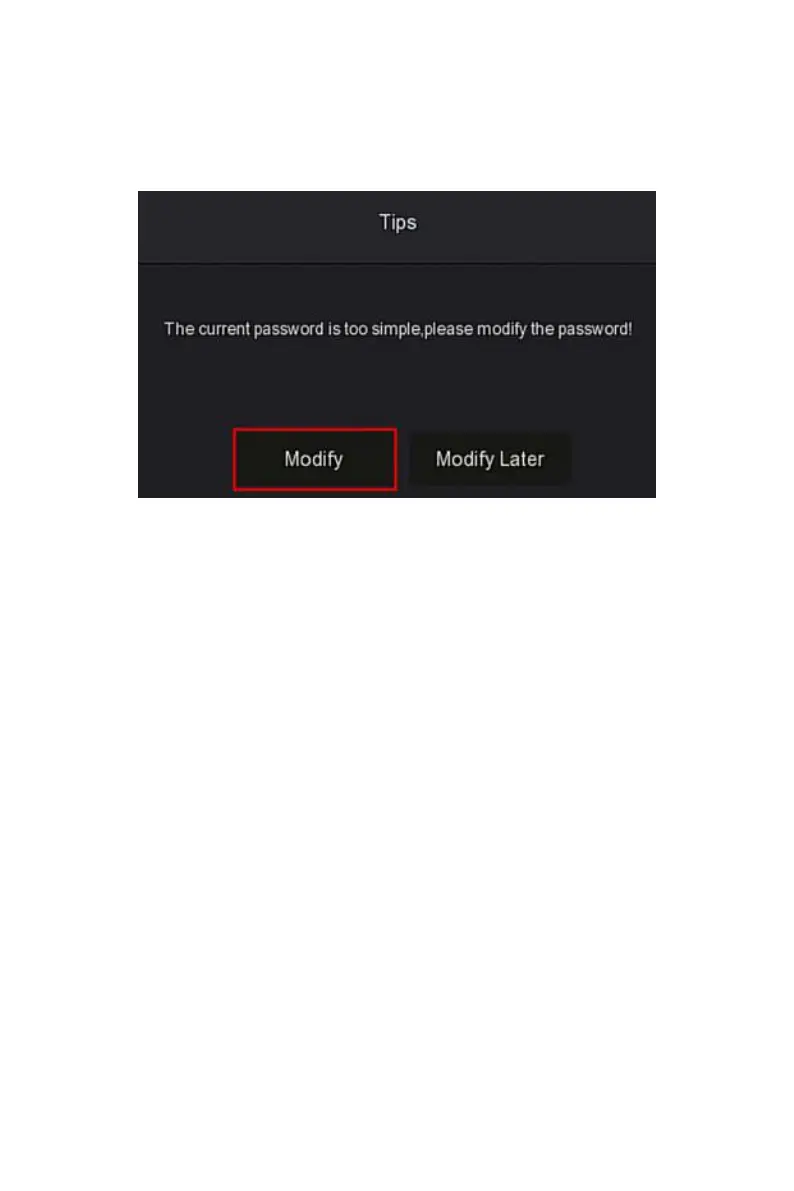
Figure 4-2
○
2
○
3 When the login password is too simple, a security password prompt will
pop up. Click "Modify ".
Figure 4-2
○
3
○
4
Click the "New password" box, enter a new password, confirm the new
password, select the security question, enter the corresponding answer, click
"Save"; insert a USB flash drive on the device, and click "Export Key".



 To Next Page