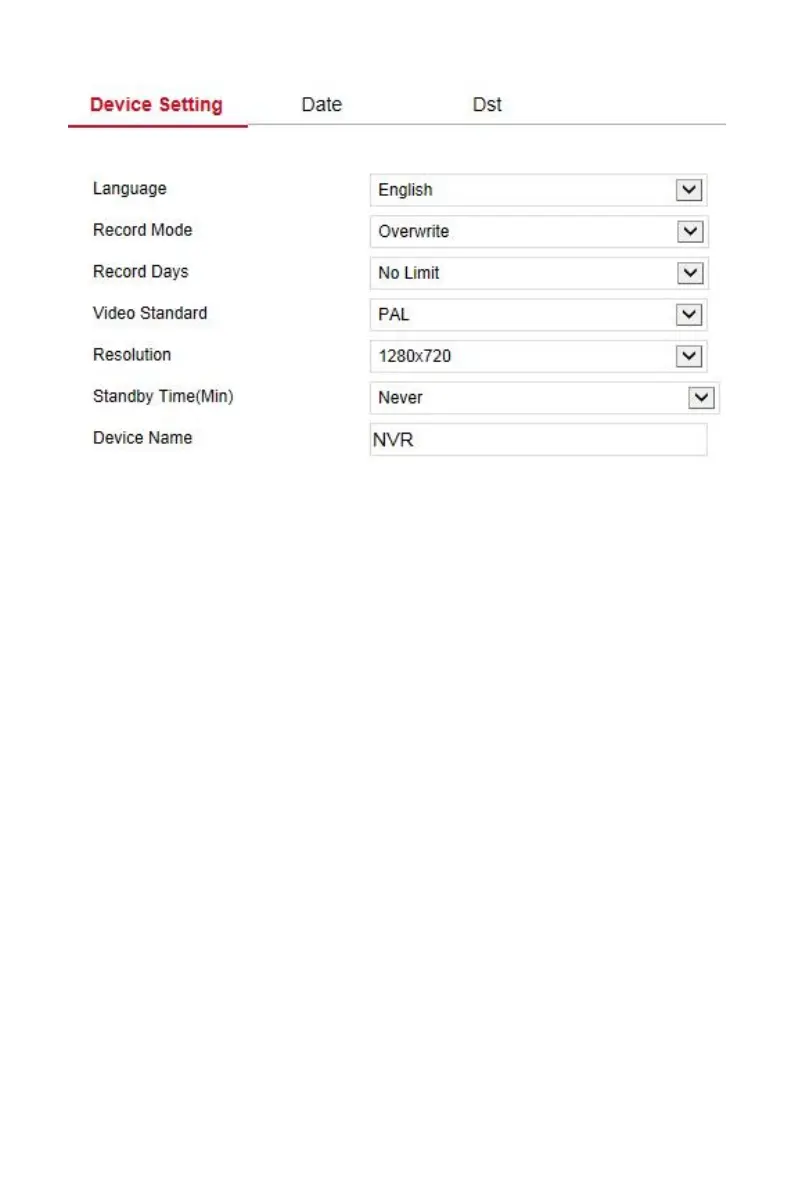
Figure 6-17
Set the system date of the device, and manually set the system time,
synchronize with the computer, or set the system date using the Network
Time Protocol (NTP) function as required.
Set the system date as follows:
Step 1: In the main interface, click "Configuration →System →General
→Date" to enter the date setting interface, as shown in Figure 6-18 below.
Steps 2: Select the setting date type, there are the following three ways.
Enable" Set Date/Time Manually", select the date and time
manually, click "Save", the system will automatically synchronize
with the manually set time.
Enable" Synchronize with the computer ", click "Save", The system
automatically synchronizes the time to the computer that logs into
the WEB page.
Enable" receive Date/Time from NTP", select the NTP server (or
select a custom server, enter the custom server domain name),
select the time zone where the device is located, enter the NTP
port, set the NTP update interval, date format, date separator, time
format, click "Save", system time and NTP server time will be
synchronized.



 To Next Page