speed reaches the preset sensitivity, the system performs an alarm linkage
action.
The specific operation steps are as follows:
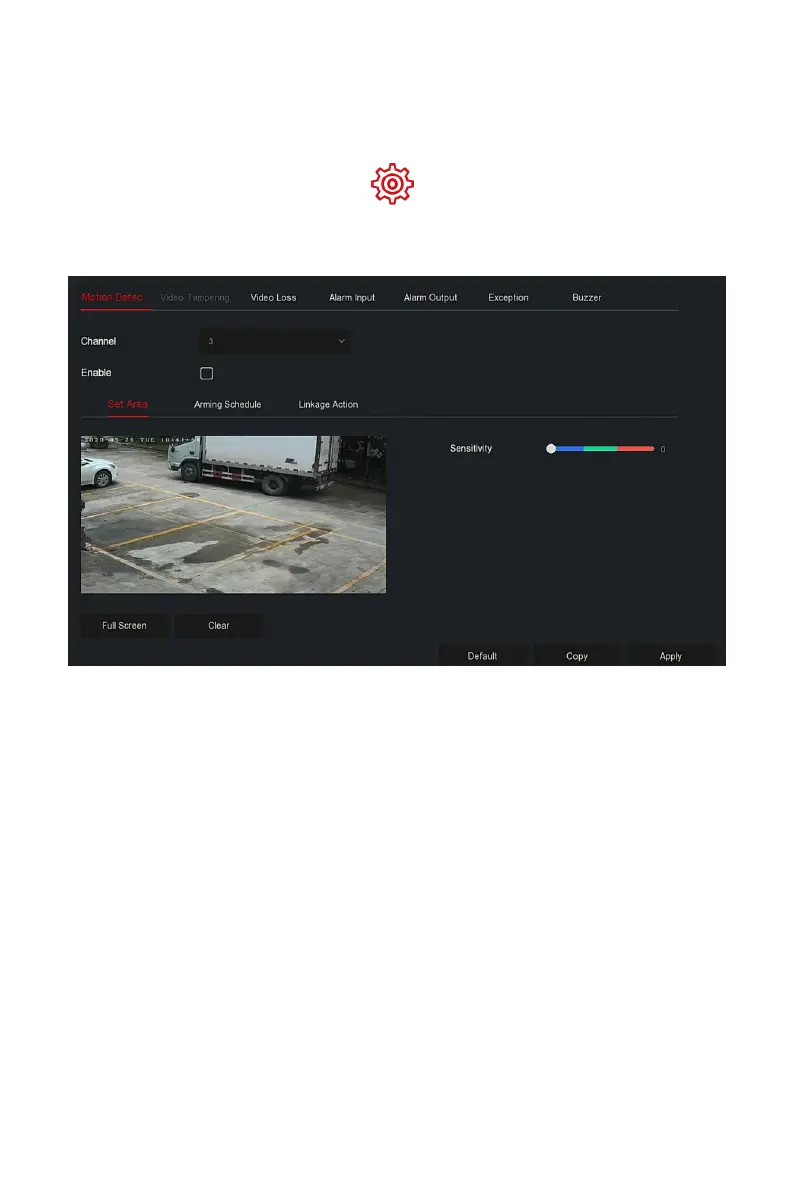
Step 1: In the main menu, choose " →Normal Event→Motion
Detection" to enter Motion Detection interface, as shown in Figure 5-59
○
1
below.
Figure 5-59
○
1
Steps 2: Turn on motion detection and select a channel.
Steps 3: Set area, sensitivity.
Use the mouse to draw the area that needs motion detection
on the channel video, as shown in Figure 5-59
○
2
below.



 To Next Page