NOTE
You can modify the drawn warning line through the" Clear
All" and " Draw A Line" button.
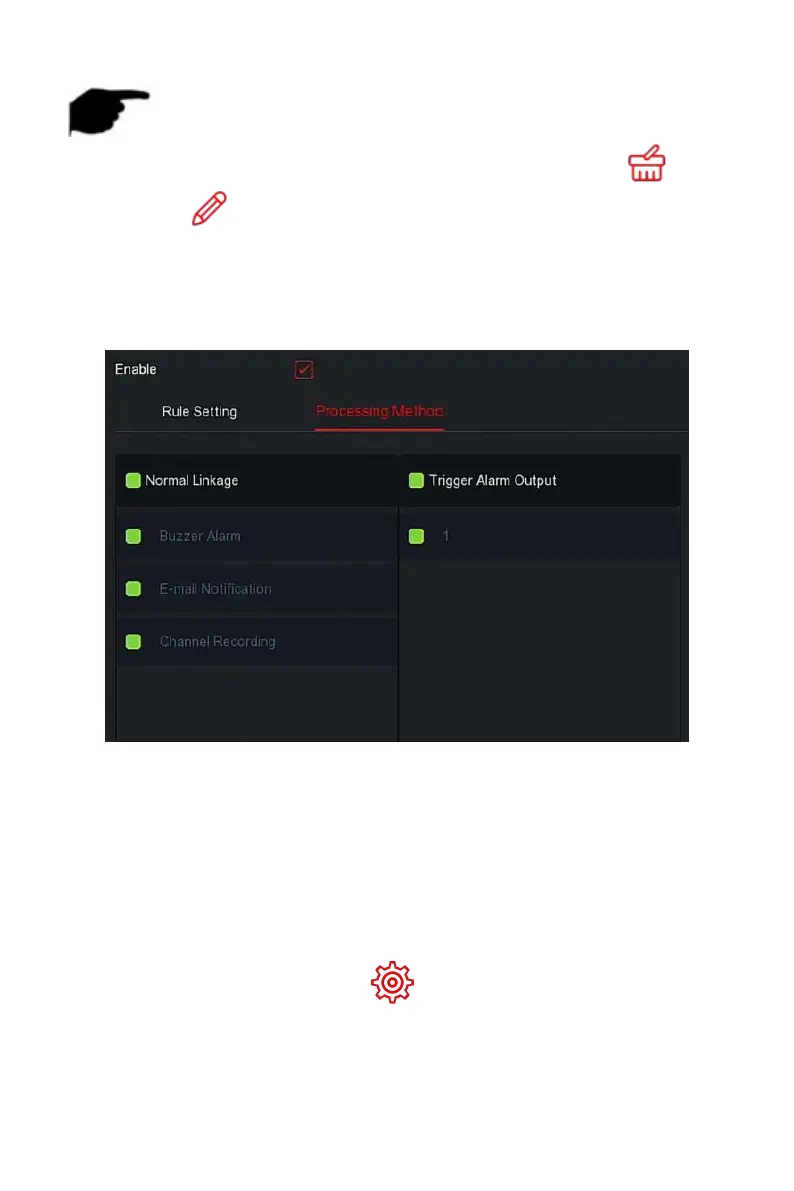
Steps 4: Click "Processing Method", set alarm linkage as required (Buzzer
Alarm, E-mail Notification, Channel Recording and Trigger Alarm Output), as
shown in Figure 5-68
○
2
below.
Figure 5-68
○
2
Steps 5: Click "Apply" to save the setting.
The regional intrusion function can detect whether an object in the video
enters the set area, and conduct a linkage alarm based on the judgment
result.
The specific operation steps are as follows:
Step 1: In the main menu, choose " →Smart Event" to enter Smart
Event setting interface.



 To Next Page