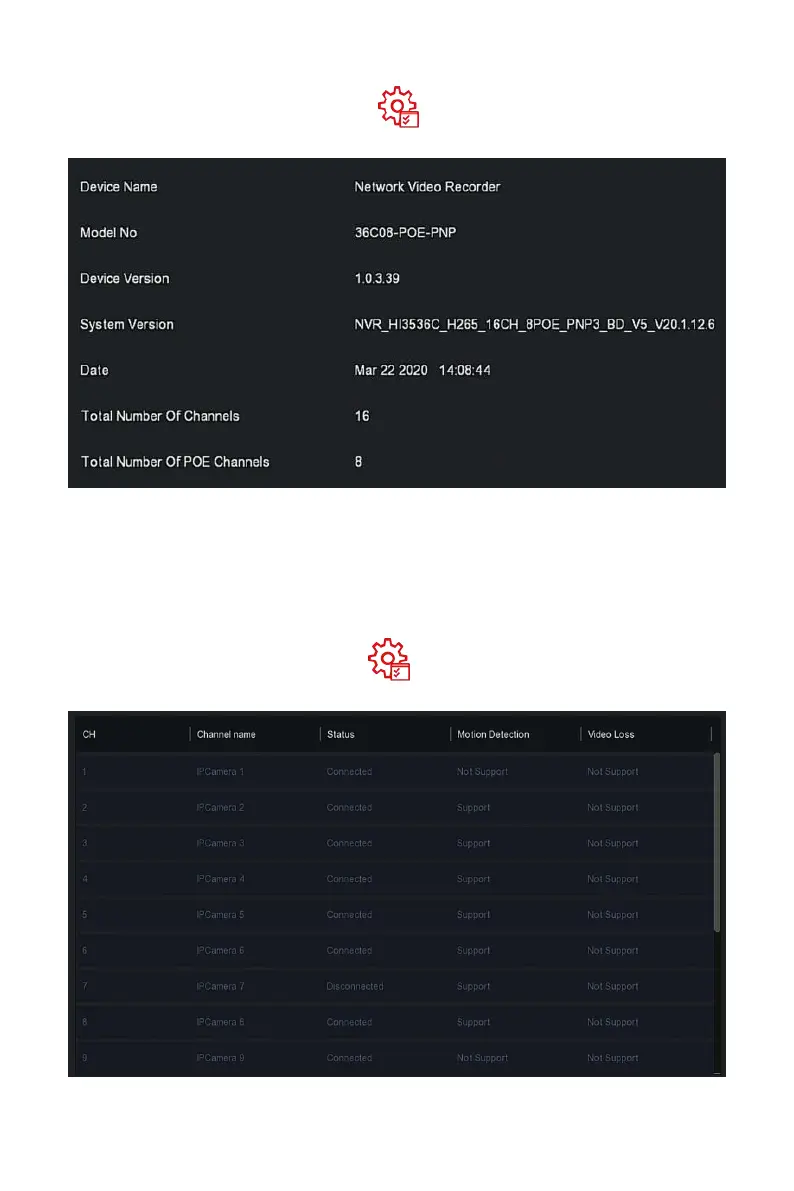
Step 1: In the main menu, choose " →Device" to enter device interface,
as shown in Figure 5-75 below.
Figure 5-75
Steps 2: View NVR Model No., Device Version, System Version, release date
and other information.
The specific operation steps are as follows:
Step 1: In the main menu, choose" →Camera" to enter camera interface,
as shown in Figure 5-76 below.



 To Next Page