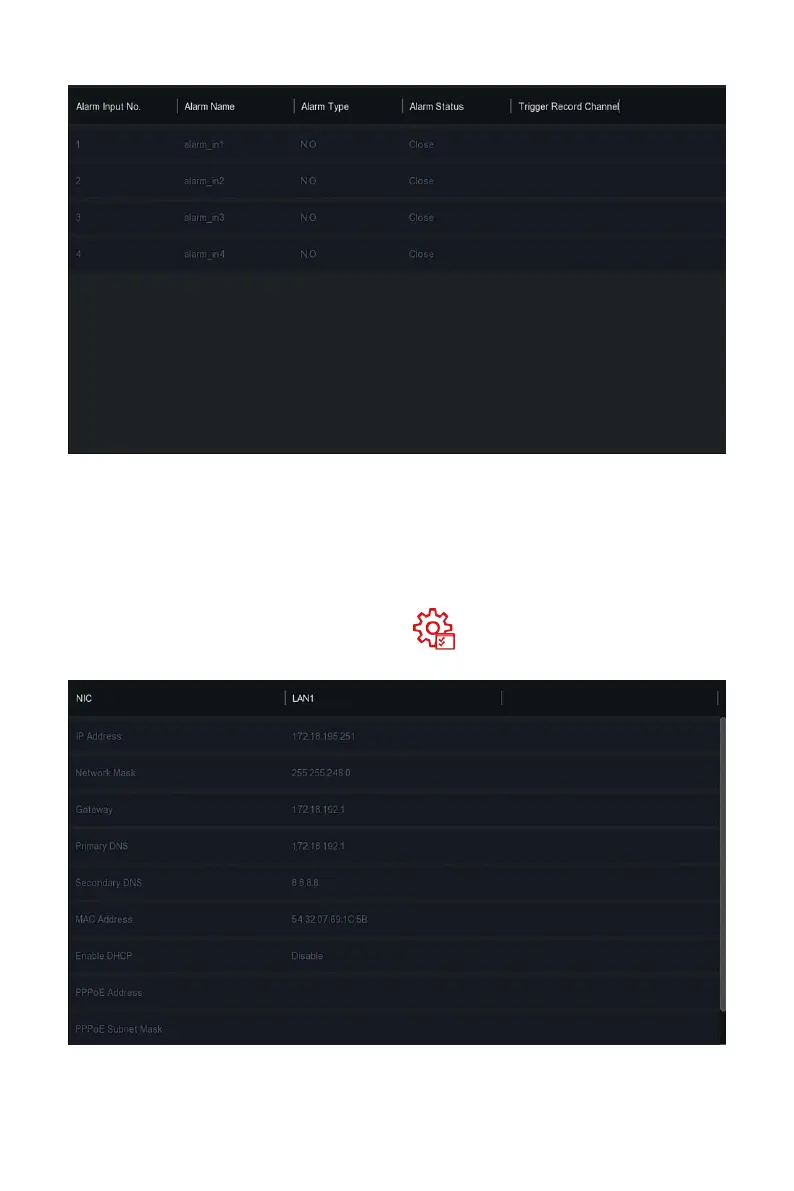
Figure 5-78
Steps 2: View the alarm input status and linkage information of each channel
of NVR.
The specific operation steps are as follows:
Step 1: In the main menu, choose " →Network" to enter network
interface, as shown in Figure 5-79 below.
Figure 5-79
Steps 2: Check the network connection and configuration of the NVR.



 To Next Page